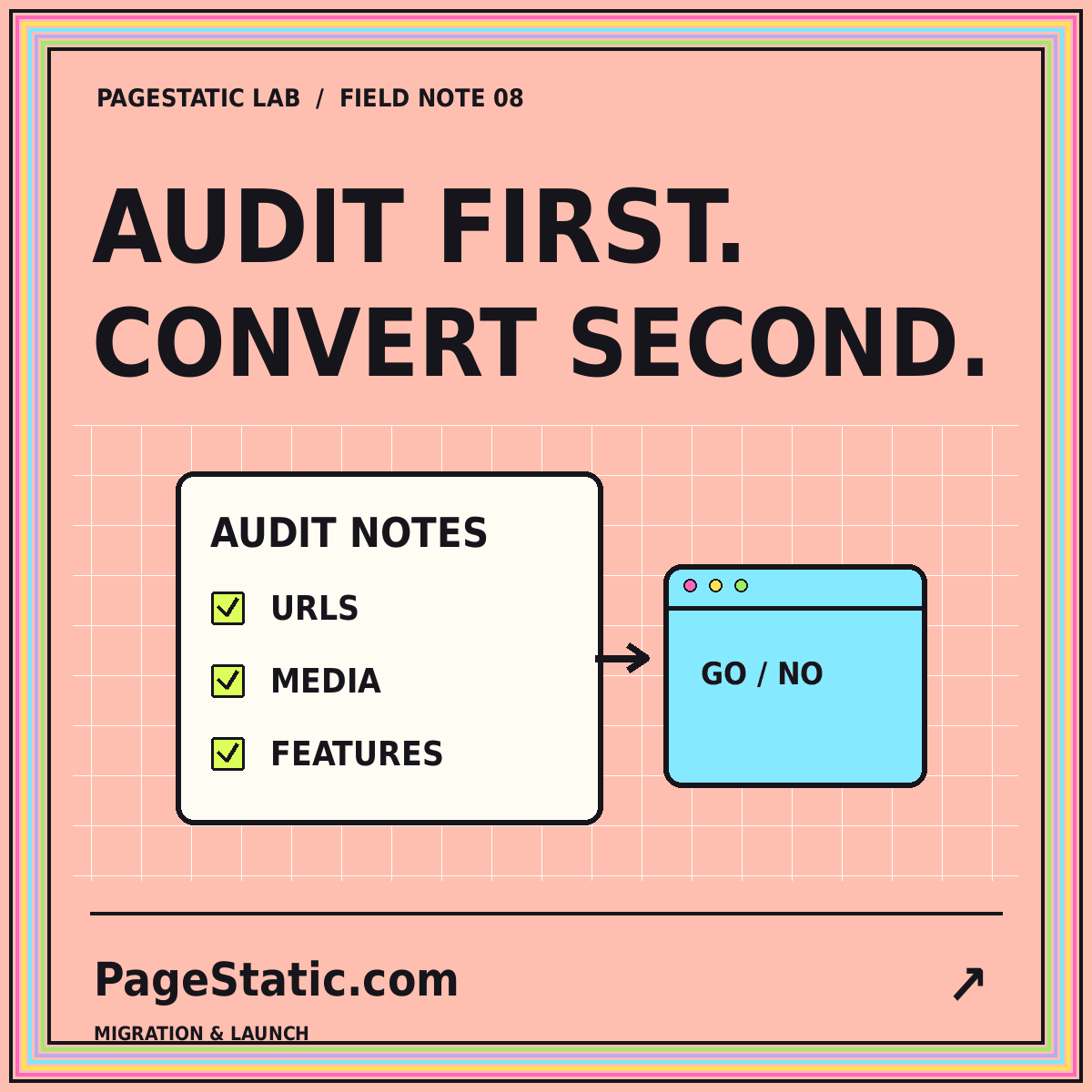
Can your existing website become static? Audit it first
Separate public content from dynamic dependencies, map existing routes, and test a small conversion before committing to a migration.
Read the field note · 7 min
08 / AUDIT & CONVERT
Audit first. Move with a plan.
Assess an existing website for static conversion, map dependencies and URLs, and validate a small pilot before replacing the original.
A site audit should describe tasks, not just screenshots. Readers may browse public information, download documents, search changing data, manage accounts, or submit requests. Those activities have different technical requirements. Saving visible HTML does not automatically preserve everything that made the original task work.
Use this process for a website you own or are authorized to manage. Make a public-content inventory and discuss important workflows with their owners. A feature that appears rarely may still be essential to a seasonal event or an internal process.
Group pages into meaningful types: articles, documentation, service pages, directories, and other recurring structures. Record where each type gets its content and when that content changes. Then list required assets, external services, scripts, and APIs.
Separate essential reading content from optional enhancements. A static page can still reference external resources, but a migration should make those dependencies deliberate. Test the chosen behavior in a safe preview environment rather than assuming an old integration will keep working when moved.
Public information that can be published in advance may belong directly in the static output. Verify the complete text, images, downloads, and navigation rather than only the initial screen.
A task requiring changing or private information may need a separate service or application. Label the destination clearly and preserve the reader's understanding of where that task happens.
Some features are no longer useful. Remove them deliberately with the responsible person's approval. Do not leave decorative search boxes, account links, or inactive submission buttons behind.
Record old paths, new destinations, retained pages, and intentional retirements. Update internal links to final addresses. When redirects are needed, identify how the production host will implement them; new HTML pages do not automatically redirect every old address.
The Google Search Central site-move guidance covers URL changes and migration checks. Use it as a technical reference, not a guarantee of stable rankings. A sitemap and a careful redirect plan have different jobs in a migration.
Choose difficult pages, not just the simplest one. Include long content, several images, nested navigation, and a page with an unusual dependency. Define acceptance criteria for each sample before conversion begins.
Compare the pilot with the inventory. Open deep links directly, refresh them, inspect images, and follow the keyboard navigation path. Check metadata and in-page anchors as well as visible text. The static-readiness audit walkthrough turns these checks into a practical sequence.
Keep a known good copy of the original site and document the release steps. Identify who can publish and who will check the live result. Local preview testing cannot establish the production host's redirects, cache behavior, or configuration; those need separate launch checks.
Test the future editing workflow before committing to a large migration. Someone must be able to correct content and publish a new version without reconstructing the process from memory. Read the performance budgeting guide and accessibility review before accepting the pilot.
The result of an audit may be a fully static site, a smaller static public section, or a decision to keep important parts dynamic. There is no need to force every requirement into one architecture. A useful conversion preserves essential tasks and gives the team a maintainable way to publish.
For a WordPress source, use the dedicated WordPress-to-static guide to examine content exports and plugin behavior. The general audit remains useful, but the conversion details should match the site you actually have.
COMMON QUESTIONS
A few practical answers about this topic.
Not without changing some requirements. Accounts, transactions, personalized information, and live data need appropriate implementations. An audit may lead to a hybrid approach.
Representative pages reveal missing assets, unsupported behavior, and manual cleanup before you commit the entire site to a conversion method.
No. Measure the actual output and hosting environment. Content, assets, usability, and migration decisions still matter.
FROM PAGESTATIC LAB
Separate public content from dynamic dependencies, map existing routes, and test a small conversion before committing to a migration.
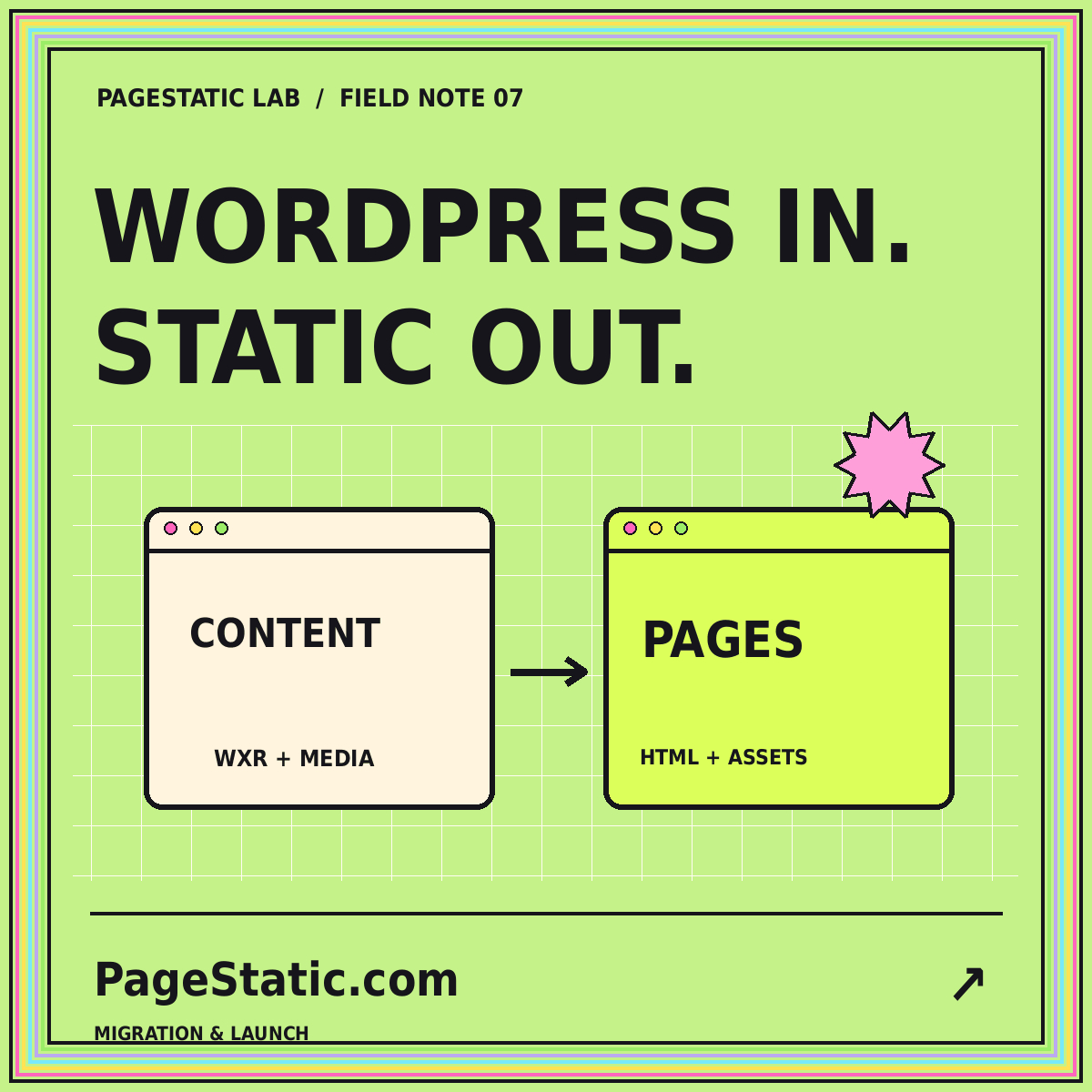
Inventory content, media, URLs, and dynamic features before deciding how a WordPress site should move to static publishing.

Set a practical page-weight budget, inspect images and scripts, and compare releases without promising a universal speed score.