01 / 08
Page Static
Understand prepared pages, practical use cases, and the boundaries of static delivery.
Explore the guidePage StaticPage Static CMSPage Static Website BuilderPageStatic AI WebsitesPageStatic AI Web Design AgentPageStatic AI Website PromptsWordPress to Static PagesConvert Website to Static Pages
A FIELD GUIDE TO A SIMPLER WEB
A brighter way to think about the web. Explore static pages, content workflows, AI-assisted design, and careful website migrations—one practical guide at a time.
CHOOSE YOUR NEXT IDEA
Starting fresh or rethinking an existing site? Find the topic that meets you where you are. Each guide takes a different part of static publishing seriously.
Understand prepared pages, practical use cases, and the boundaries of static delivery.
Explore the guidePlan content models, editing, reviews, and publishing that your team can maintain.
Explore the guideCompare workflows by their exported files, usability, and ongoing editing work.
Explore the guideTurn a clear brief into a draft you can inspect, revise, and responsibly publish.
Explore the guideScope delegated design tasks and keep permissions, changes, and reviews visible.
Explore the guideRead reusable instructions for planning, design, focused revisions, and audits.
Explore the guideSeparate content exports, media, plugin behavior, and migration decisions.
Explore the guideAudit an existing site and prove your approach with a representative pilot.
Explore the guideTHE STATIC MINDSET
A useful website starts with its readers, not its technology. Separate what you write, how you edit it, and what you actually publish.
01 / FIND THE PURPOSE
A portfolio, a guide, a public archive: define what the reader came to do. Then plan the smallest complete set of pages that helps them do it.
Understand static pages ↗02 / MAKE EDITING WORK
Think beyond the first launch. Compare files, visual editors, and headless workflows by testing a correction, an image change, and a review.
Explore static CMS workflows ↗03 / CHECK THE OUTPUT
A beautiful preview is not the whole handoff. Inspect the export, open deep pages directly, and understand every dependency that remains.
Evaluate a website builder ↗AI, WITH INTENTION
Use AI to explore structure and design without handing over your judgment. A clear brief, approved content, and a reviewable task make the next draft easier to assess.
“Plan a static portfolio for an independent designer. Prioritize the work, make navigation clear on a phone, and use only approved project facts. Define the pages and the checks before proposing a visual design.”Read the reusable prompts ↗
A WRITTEN EXAMPLE TO ADAPT IN YOUR OWN WORKFLOW.
A THOUGHTFUL WAY TO MOVE
A static snapshot does not preserve every dynamic feature. Map the content, keep useful URLs, and test a small pilot before replacing the original.
Separate the content export from the finished website. Inventory media and plugins, decide what happens to dynamic features, and plan the next editing workflow.
Read the WordPress guideReview reader tasks, page types, dependencies, and current addresses. Use evidence from representative pages to choose what can actually become static.
Plan a static conversionFROM PAGESTATIC LAB
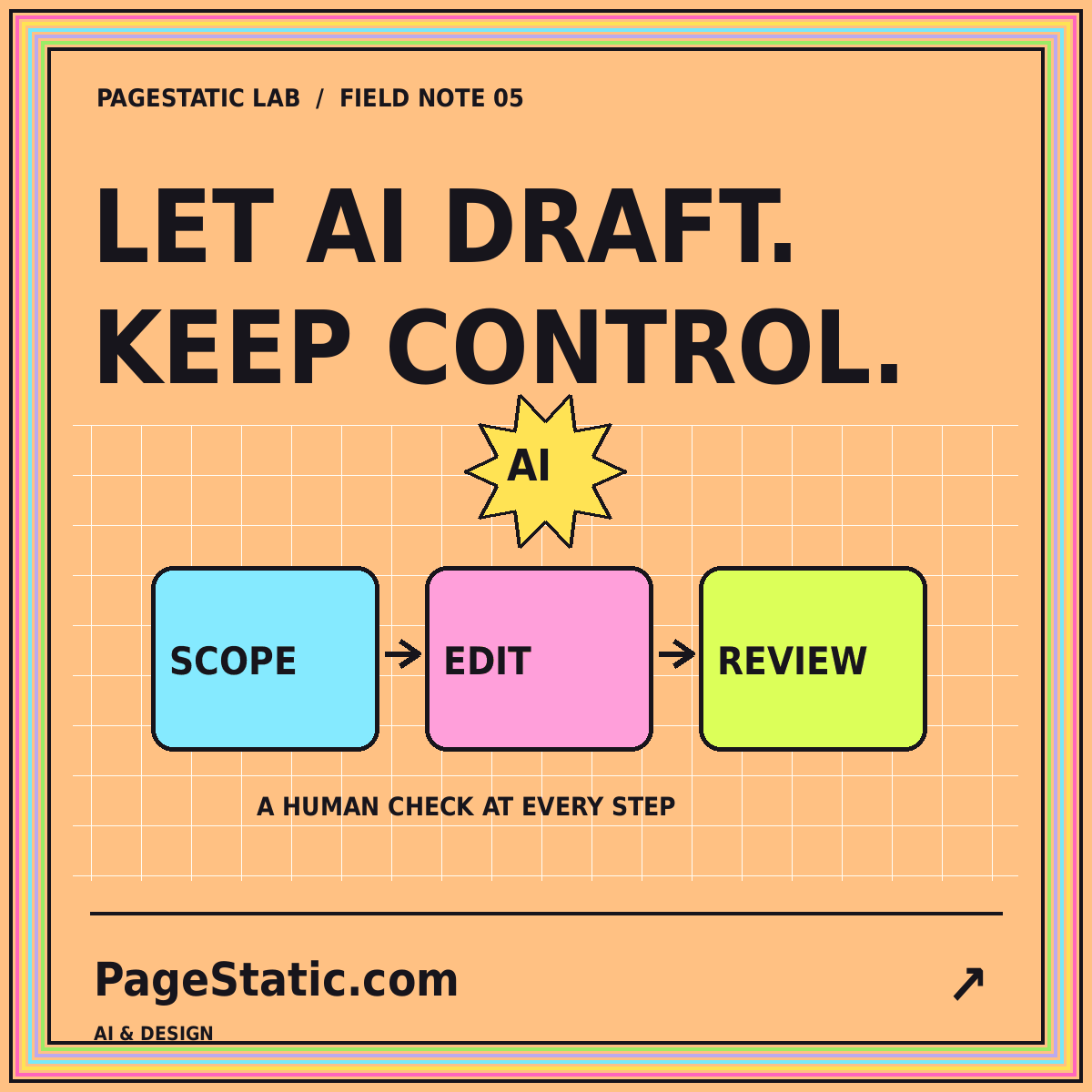
Define permissions, checkpoints, and acceptance tests before delegating website changes to a coding or design agent.
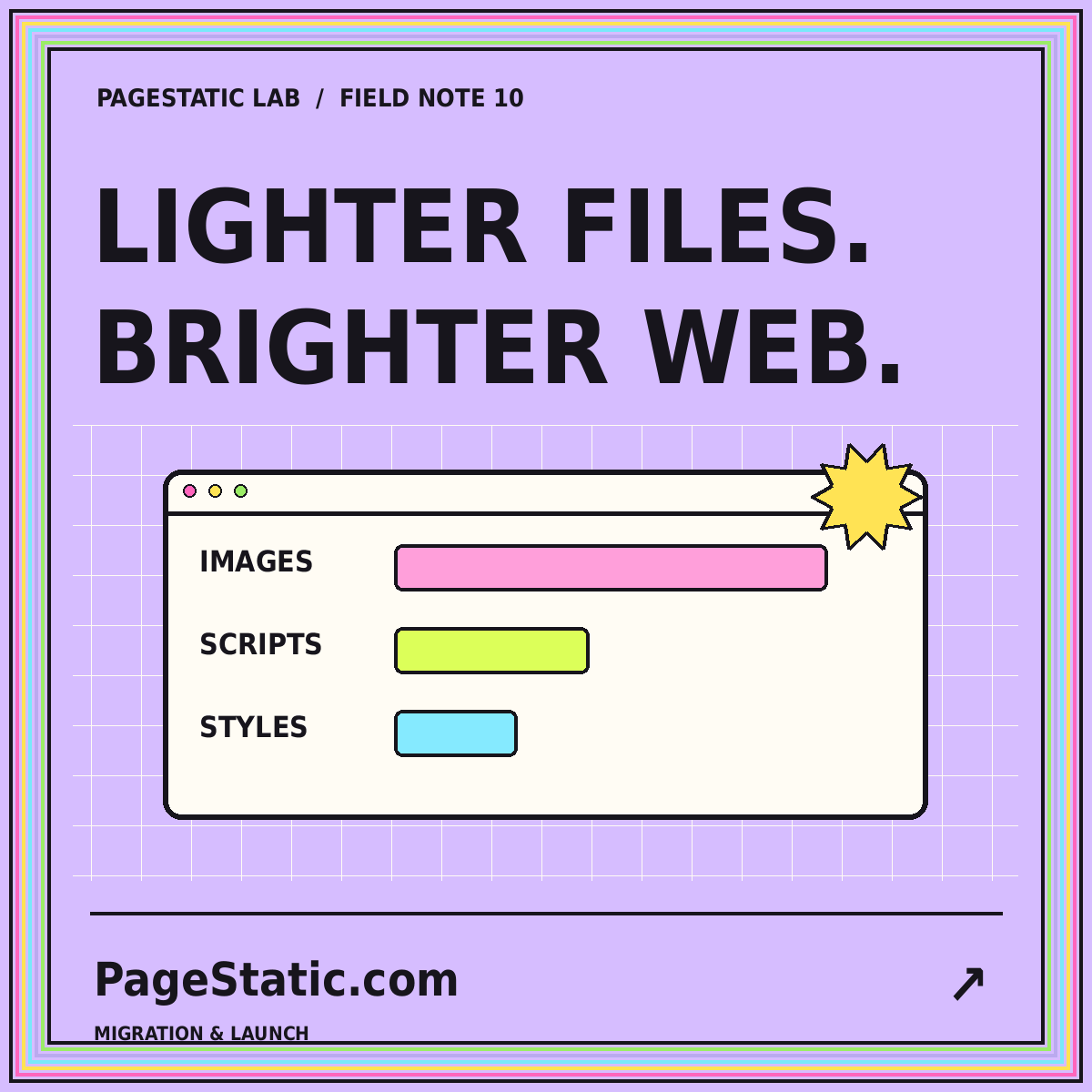
Set a practical page-weight budget, inspect images and scripts, and compare releases without promising a universal speed score.
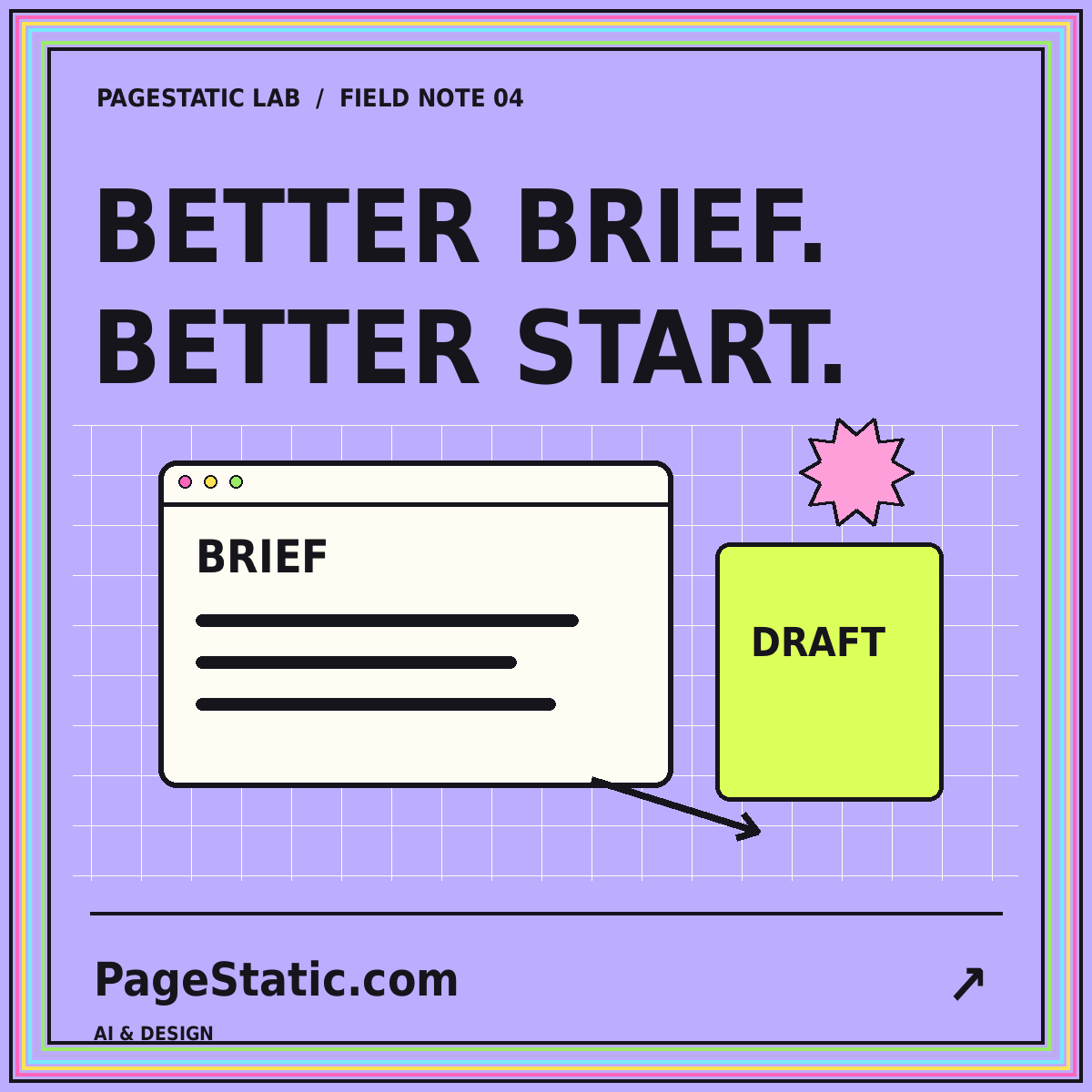
Use a clear scope, real content, and staged review to turn an AI-generated page into a draft worth developing.
COMMON QUESTIONS
Learn the approach before choosing the tools. The field guide is here to make that first decision easier.
PageStatic is a field guide to static publishing. Read about page fundamentals, content workflows, website builders, AI-assisted design, prompts, and site conversion.
No. Begin with the Page Static guide to understand the concepts. The workflow and builder guides explain which questions to ask before choosing a technical approach.
No. These are the subjects of the guides, not live software offered on this website. Browse the articles and readable prompt examples without an account.
Not without considering its requirements. Accounts, transactions, private information, and live data need appropriate implementations. A conversion audit helps decide the boundary.
No. Images, scripts, design choices, content, and hosting still matter. Measure a representative release rather than relying on blanket promises.
Start with Page Static for a new project, Static CMS for editing decisions, or the conversion guides for an existing site. PageStatic Lab provides deeper walkthroughs for each path.
Pick one guide, answer your next question, and move forward with a clearer plan.