A design agent can be asked to do more than suggest a paragraph or a color palette. Depending on the tool and its permissions, it may inspect files, propose a plan, change code, and run checks. That makes the review process part of the design work itself. Before delegating changes, decide what the agent may touch, what it must preserve, and how a person will determine that the result is acceptable.
This guide describes a review-first workflow for a static website project. It is a process you can adapt, not a claim that PageStatic runs an agent service. The aim is to make delegated work easier to understand and safer to integrate. Start with a bounded task and a recoverable copy of the project, then expand the scope only when the evidence supports doing so.
Give the agent a task boundary
Define the work in terms of files, pages, and observable outcomes. “Improve the website” is too broad to review efficiently. “Make the shared navigation work at narrow widths while preserving all existing destinations” is more useful. Specify the parts that must not change, such as approved article copy, canonical URLs, or contact details. Constraints are especially important when a tool can modify more than the page you are currently viewing.
Write down what success looks like before the task begins. For a navigation change, success could include a working open and close control, visible focus, no horizontal overflow, and every menu item reachable on a phone-sized viewport. These conditions keep the review tied to the request. They also help you recognize an attractive but irrelevant redesign that fails to solve the original problem.
Understand the actual permissions
Find out what the chosen tool can access and execute in your environment. File access, terminal execution, network access, repository writes, and deployment rights are separate capabilities. Do not assume they all exist, and do not grant them all simply because the task mentions a website. Give the task only the access needed for its intended scope, using your organization's normal approval and security practices.
The GitHub responsible-use guidance for Copilot agents discusses agent capabilities and limitations in its own product context. For your workflow, the transferable point is to understand the tool being used rather than treating “agent” as a uniform guarantee. Review the current documentation for that environment, then record which actions remain under human control, especially publishing and changes to production settings.
Prepare a clean working copy
Begin from a known state that you can restore. Save the current release and keep unrelated changes out of the task's working area where practical. If several people are editing the site, identify which changes are already approved and which are still in progress. Otherwise, the review may struggle to distinguish the agent's work from modifications made earlier by someone else.
Keep secrets and irrelevant private material out of the context supplied for the task. A navigation repair does not require production credentials or customer records. Include the relevant design rules, page map, and accessibility expectations instead. Where the environment uses external tools, understand which files and instructions can be read. The goal is a clear, minimal working context rather than a large collection of material with unclear relevance.
Request a plan you can compare with the result
Ask for a brief proposed change list before broad edits. It should identify the affected templates or files, expected behavior, and checks to run. A plan does not have to predict every implementation detail. It should make the scope understandable enough that you can notice a deviation, such as adding a new framework to solve a small styling issue.
Use the plan to resolve conflicting requirements. A sticky header, a long brand description, and a compact mobile layout may require careful spacing rather than simply hiding the navigation. Ask which constraint takes priority and how the result will be checked. Where requirements are already clear, the agent should work within them rather than repeatedly reopening settled decisions or introducing unrelated product features.
Work in independently reviewable changes
Break a large redesign into meaningful units. Shared navigation, article typography, image treatment, and metadata can often be reviewed separately. A small change is easier to compare with the previous version and easier to revert when it introduces a problem. The division should follow the website's structure, not create a long sequence of tiny edits that are difficult to understand individually.
After each unit, inspect the actual changed files. Watch for removed links, duplicated markup, unexpected scripts, and altered content outside the request. A summary from the agent is useful, but it does not replace comparison. When practical, review both the code difference and the rendered page, because one can reveal issues the other hides. Keep a note of intentional changes that might otherwise look surprising later.
Make automated checks specific
Use checks that produce a clear result for the agreed requirements. A link checker can look for missing local destinations. A content check can count primary headings or detect absent descriptions. A browser test can open the mobile menu and verify that the button's expanded state changes. These tests do not prove the whole website is perfect, but they can answer defined questions reliably.
Separate completion from attempted testing
Ask for a record of which checks actually ran and what they found. “Tested” should not mean that a command was suggested or that the tool assumed a page would work. Note environmental limits as well. A local static preview cannot prove production DNS or email delivery. The AI web design agent overview includes a compact acceptance framework for keeping those distinctions visible.
Reserve judgment for human review
Some decisions require context that a passing test does not capture. Is the navigation label understandable to the intended audience? Does the article make an unsupported claim? Does the visual emphasis point readers toward the most useful next step? Review these questions directly. A layout can satisfy technical checks while still giving the wrong content too much prominence or making a simple task confusing.
Read the page without the excitement of the redesign. Compare it with the original brief and, where possible, ask another person to complete a representative task. Do not lead them toward the expected answer. Their interpretation may expose a problem in the content structure that is not visible in the implementation. Record that finding as a new, bounded revision rather than an invitation to rebuild everything again.
Control dependencies and publication
Treat a new dependency as a decision, not a harmless side effect. Ask why it is needed, where it loads, and whether the static site still works without a build step on the public server. For a small content site, an additional library may create more maintenance work than the feature justifies. The review should examine the real tradeoff rather than assuming more tooling means a better result.
Keep publishing separate from draft approval unless your process deliberately combines them. Preserve the previous release, identify the final files, and confirm that the approved version is the one being uploaded. After publication, check representative live pages and the affected interactions. These steps are ordinary release discipline; using an agent does not remove the need to know what changed and how to recover from an error.
Conclusion: delegate work, retain accountability
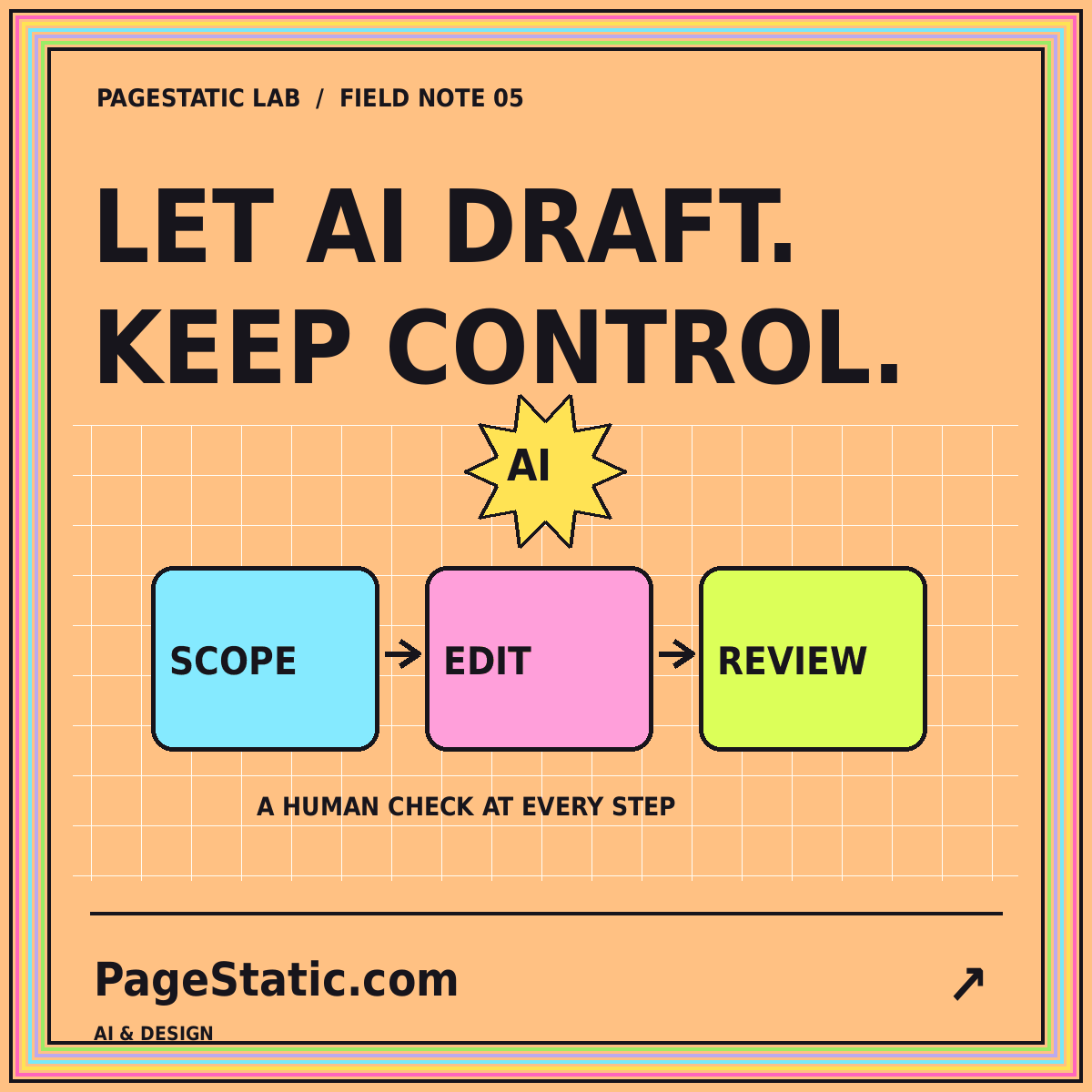
A review-first agent workflow combines a bounded task, appropriate permissions, a clean working copy, small changes, and evidence-based acceptance. It gives the agent useful room to work without confusing autonomy with authority to change every part of the project. The result should be understandable to the person maintaining the website after the task is finished.
Start with one change whose success you can observe. Refine the task instructions using what the review reveals, and keep the successful checks for future work. The AI-assisted first-draft guide covers the earlier briefing stage. Together, the brief and the review process make a stronger workflow than an open-ended request followed by a quick glance at an impressive screenshot.