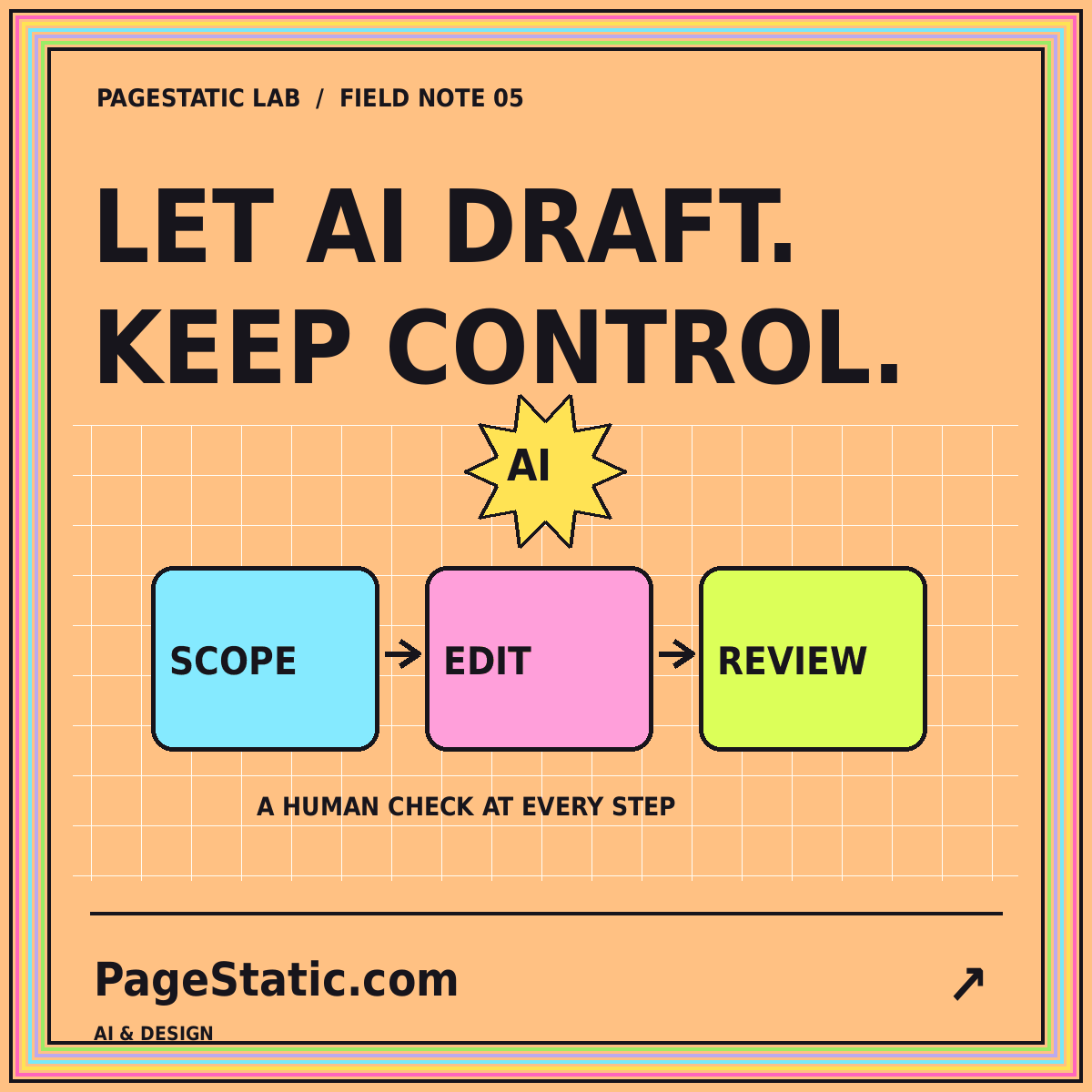
A review-first workflow for AI web design agents
Define permissions, checkpoints, and acceptance tests before delegating website changes to a coding or design agent.
Read the field note · 7 min
05 / SCOPE & REVIEW
Delegate the task. Keep the judgment.
Understand AI web design agent workflows, scope permissions, review file changes, and define evidence-based acceptance checks.
The word “agent” can describe tools with different abilities. Some suggest a plan; others can inspect files, change code, or run commands when given permission. Find out what the particular environment actually supports. Do not assume that every capability exists or that every available permission belongs in your project.
PageStatic's agent coverage focuses on reviewable website work. Start with a bounded task, a known working copy, and an observable definition of success. A small successful change is a better basis for expanding the scope than an open-ended instruction to improve everything.
A task such as “repair the shared mobile navigation” can name the affected files, intended behavior, and content that must remain unchanged. “Make the whole site better” cannot be evaluated as easily. Preserve approved article text, working destinations, brand details, and the delivery architecture unless the task explicitly changes them.
Write acceptance criteria before work begins. For navigation, those might include opening and closing the menu, reaching every link, seeing keyboard focus, and avoiding horizontal overflow. Keep the checks tied to the problem rather than rewarding an unrelated redesign.
The GitHub responsible-use guidance for Copilot agents provides product-specific information about agent capabilities and limitations. Use current documentation for the environment you choose. File access, command execution, network access, and publication rights are distinct decisions.
Work on a recoverable copy. Keep unrelated private data and production secrets out of the task context. Identify who controls publishing and how the previous version can be restored. An agent's ability to modify a file is not the same thing as approval to change production settings or release the website.
Confirm the pages and behaviors the task affects. Record exclusions. Ask for a concise change plan when the work spans several files or introduces a new dependency.
Keep related edits together and unrelated edits separate. Inspect the actual file differences. Look for removed links, altered approved copy, and unexpected resources rather than relying only on a written summary.
Run checks that answer specific questions. Does every local link resolve? Is the menu state correct? Are required assets present? Record the commands or actions that actually ran and their results.
Read the rendered page and complete a representative task. Human review still needs to decide whether wording is accurate, labels make sense, and visual emphasis matches the brief. A passing structural test does not answer all of those questions.
When a change fails, describe the observed problem and protect the parts already working. Avoid stacking broad new instructions on an unstable draft. Return to a known state when necessary and keep a brief record of intentional changes.
Ask why a new library is needed and what it adds to the release. A small static resource site should not acquire a complicated runtime simply because the requested effect could be built that way. The builder evaluation guide helps keep delivery requirements visible during those decisions.
Separate draft approval from publication unless your process deliberately combines them. Confirm that the files being uploaded are the version that passed review. Keep the previous release and check representative live pages after deployment.
Read the complete review-first agent workflow for a practical sequence. Begin the next task with the website prompt framework, including scope, preserved elements, and acceptance checks. Clear requests and visible evidence are more useful than a promise of autonomous perfection.
COMMON QUESTIONS
A few practical answers about this topic.
Only the files and behaviors needed for the task, within the permissions approved for your environment. Keep publication and access decisions explicit.
The actual changes, checks that ran, their results, and any limitations. A suggested test command is not evidence that the test was performed.
No agent account or integration is offered here. This section explains how to plan and review work with tools you evaluate separately.
FROM PAGESTATIC LAB
Define permissions, checkpoints, and acceptance tests before delegating website changes to a coding or design agent.
Use a clear scope, real content, and staged review to turn an AI-generated page into a draft worth developing.
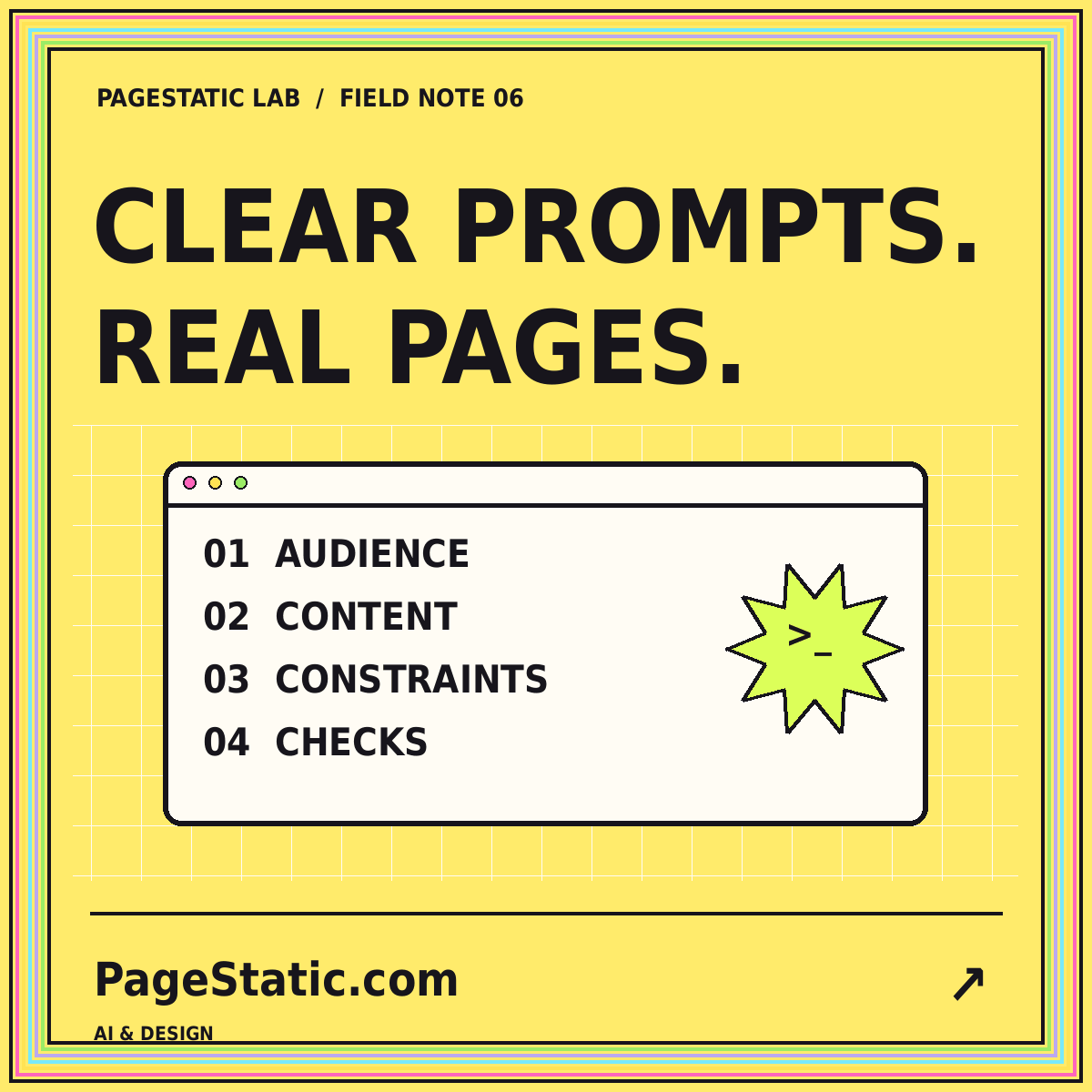
Build a reusable prompt around audience, approved content, page structure, visual rules, and verifiable acceptance criteria.