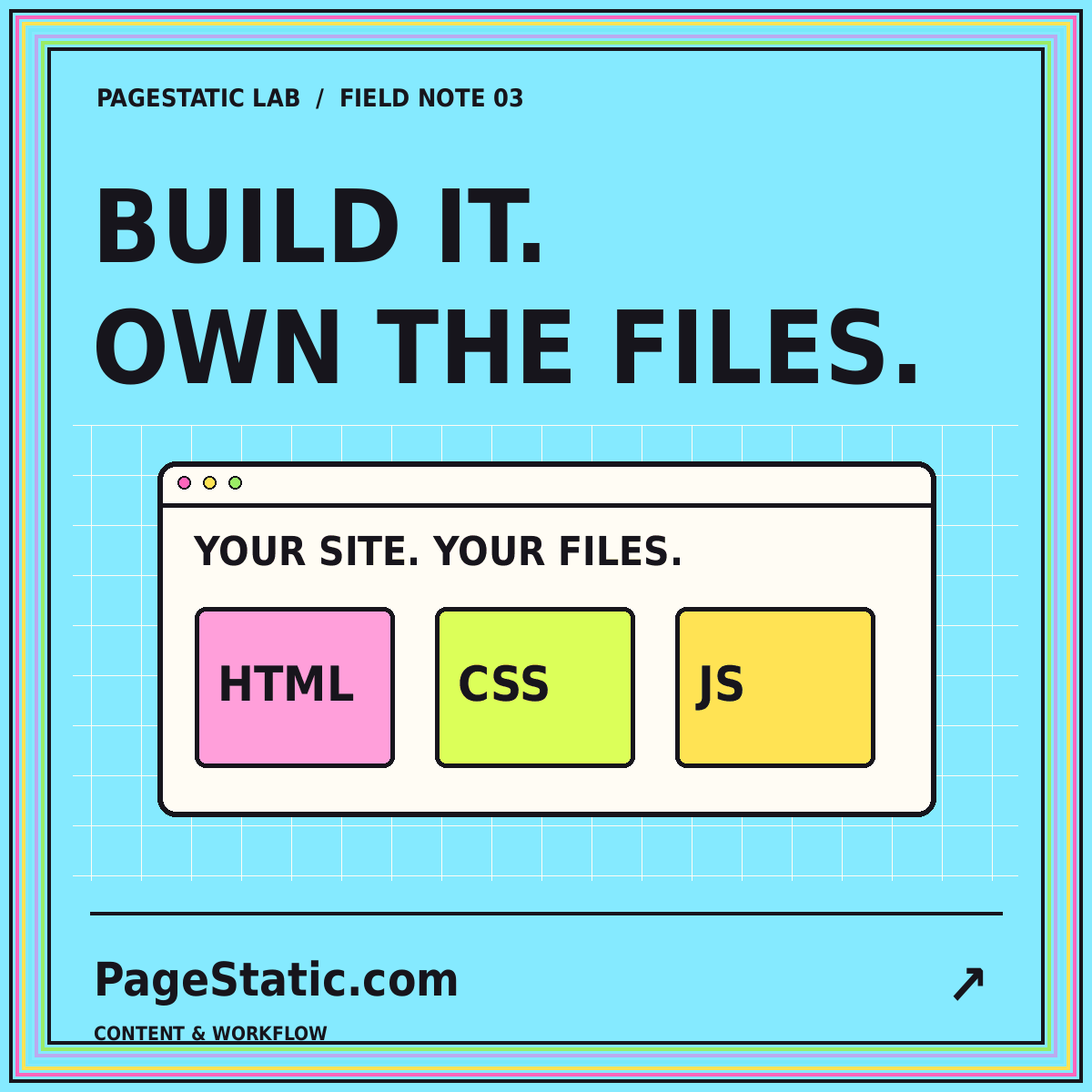
What to check before choosing a static website builder
Evaluate builders with a real page, a portable export, and a test deployment instead of relying on an attractive preview.
Read the field note · 7 min
03 / BUILD & EXPORT
Choose the workflow. Inspect the files.
Evaluate static website builders by their output, editing experience, responsive layouts, dependencies, and export portability.
A static website builder should be evaluated against the files you need to publish and the work your team will perform later. A polished preview is only one piece of evidence. Identify whether the tool delivers ready-to-serve pages, a source project requiring a separate build, or a site that depends on a hosted application at runtime.
Those can be different kinds of deliverables. Write your requirement clearly before comparing tools. If the public server must only serve prepared files, test that condition with an actual exported release rather than relying on the wording of an export button.
Build a homepage, a long article, a listing page, and contact information. Include long titles and images with different proportions. This trial shows whether the design handles the content you actually intend to publish, not just the ideal content used in a product demonstration.
Make a change after the first version. Rename an article and inspect its navigation, breadcrumb, metadata, and archive entry. Replace an image and check both the full page and its smaller card. These connected edits reveal the maintenance work that a screenshot cannot show.
The Astro deployment documentation illustrates the idea of a build producing a deployable output directory. The same evaluation question applies more broadly: which directory is the finished site, and what does it contain?
Look for HTML pages, local stylesheets, scripts, and every referenced image. Serve that output separately from the builder. Open a nested page directly and refresh it. Check whether important text is already in the document or waits for a service that was never part of the delivery requirement.
Have the intended editor complete a routine update. Note required training, manual duplication, and how previews work. Ask how previous releases are recovered and how the source content can be exported independently of the design.
Test the exported pages on narrow screens and with a keyboard. Inspect long headings, focus states, text contrast, and the mobile navigation. A visual preview is helpful but does not establish how the actual delivered page behaves.
List required subscriptions, services, build tools, and runtime resources. Verify current terms directly with the provider before making a purchase. An initially inexpensive tool can still be a poor fit if the team's routine changes require extensive outside help.
A static export may not preserve forms, logins, payments, comments, or live search. Determine what each feature requires and whether it belongs in your project. When no implementation exists, remove the interface rather than publishing something that invites a reader to perform an impossible action.
Use the existing-site static audit when you are choosing a builder as part of a migration. The old site's task inventory should inform the new tool's trial. Do not allow a good-looking replacement to silently remove an important reader workflow.
Ask someone other than the original designer to locate the content, make a correction, generate a release, and identify the files to publish. Keep the successful trial and its checklist. Repeat the relevant checks when the workflow changes.
For a detailed evaluation, read what to check before choosing a static website builder. Then set a performance budget that fits the real page types. File ownership, usable editing, and measured loading behavior should be parts of the same decision.
COMMON QUESTIONS
A few practical answers about this topic.
No. A source project may need installation and a build step. Inspect which directory contains the prepared pages that your public server will actually serve.
Use a representative trial and involve the future editor. The better fit depends on the content, team, required output, and ongoing work.
This is an editorial evaluation guide. Its links lead to completed reading material, not a hosted building application.
FROM PAGESTATIC LAB
Evaluate builders with a real page, a portable export, and a test deployment instead of relying on an attractive preview.
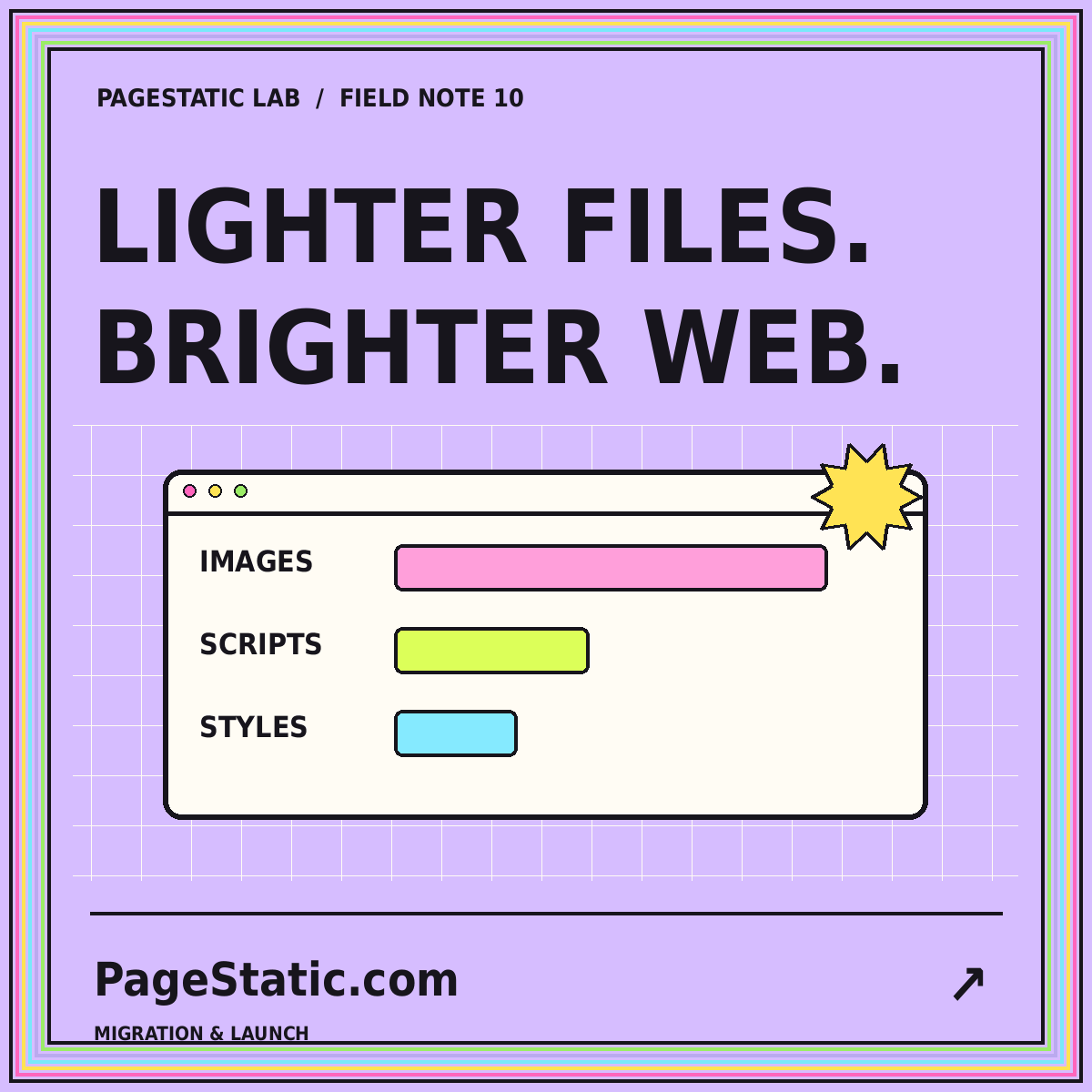
Set a practical page-weight budget, inspect images and scripts, and compare releases without promising a universal speed score.
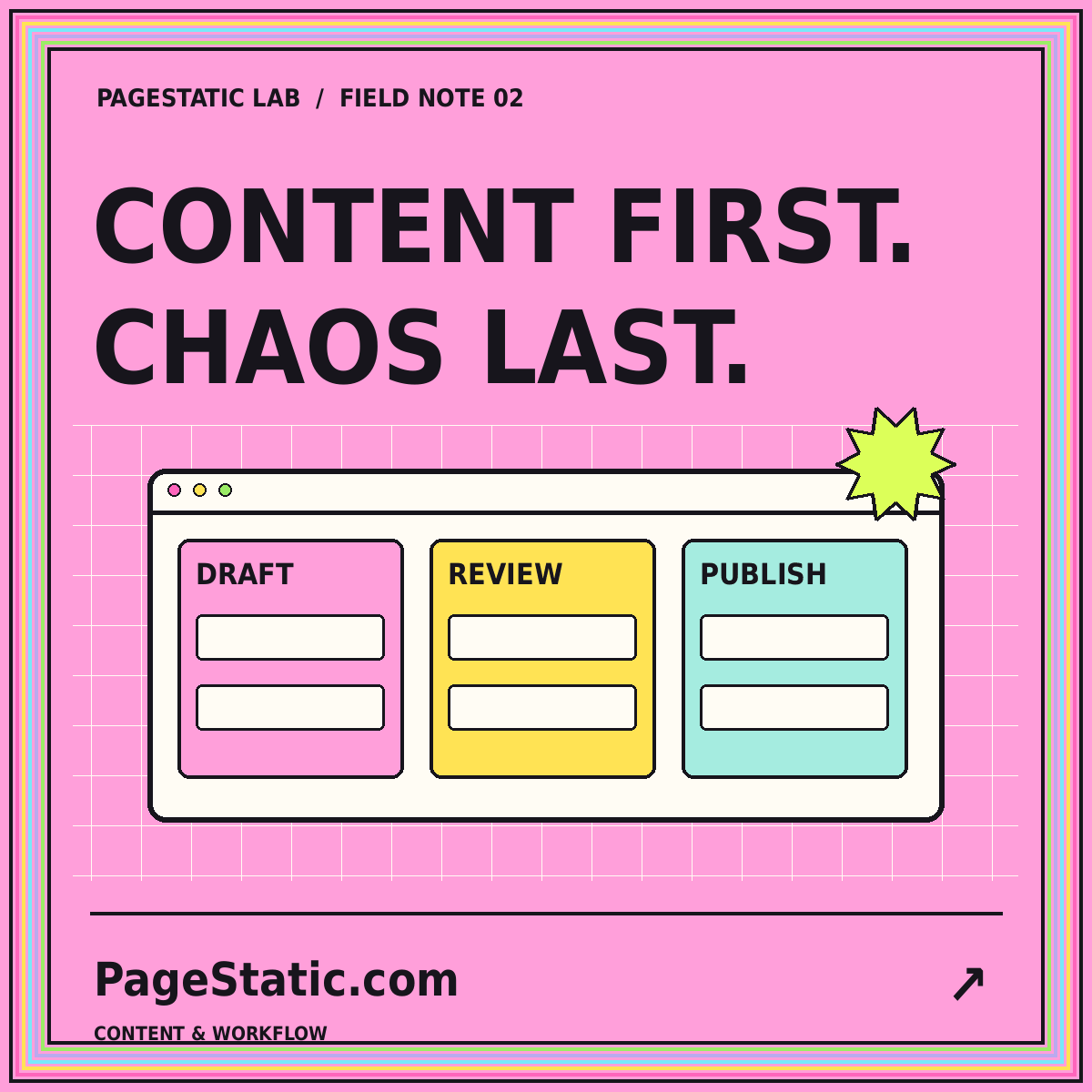
Compare file-based, visual, and headless editing approaches by testing the work your team performs after launch.