A static CMS decision is really an editing decision. The published website may consist of ordinary HTML, CSS, and images, while the people maintaining it work with Markdown files, a local editor, a hosted content service, or a visual publishing tool. Choosing between those approaches starts with the team's work, not with a list of fashionable product names. Ask what happens when someone needs to fix a sentence on a busy afternoon.
This guide uses a practical evaluation method: choose representative editing tasks, identify who owns each step, and inspect the resulting files. It does not assume that one workflow suits every organization. A solo developer and a distributed editorial team can reasonably choose different tools for websites that look almost identical to readers. The best fit is the workflow your actual editors can use consistently.
Separate the editor from the delivered site
Think of the system in three parts. There is a source of content, a process that combines content with templates, and a published release. The editor belongs to the first part. Static hosting belongs to the last. They do not have to be the same service. This distinction helps you evaluate publishing requirements without assuming the public website needs an administrative application or a database connection.
Map those parts using your own project. For example, an editor changes an article file, a build creates its page and archive entries, and the output directory becomes the release. Write down who can perform each action and how errors appear. A workflow is incomplete when it has an attractive writing interface but no clear answer for a failed build or an incorrect image path.
Define your content model in plain language
Before selecting software, describe what an entry contains. An article may need a title, description, body, publication date, featured image, image alternative text, category, and tags. Some fields are required; others are optional. Decide how each one appears on the public site. A field that nobody uses adds friction, while a missing field often leads editors to hide structured information inside an unstructured paragraph.
File-based systems commonly store metadata alongside the body. The Hugo documentation on front matter illustrates how metadata can describe content and influence its published organization. That is one implementation example, not a requirement to use Hugo. For your own model, record field meanings independently of any tool so a future editor or migration can understand them without reverse-engineering templates.
Evaluate file-based editing honestly
Text files can offer a direct, inspectable source of truth. They can also expose editors to unfamiliar syntax, filenames, and version-control concepts. Do not assume that either experience is universal. Ask an editor to update a paragraph, create a draft, add an image, and recover from a formatting mistake. Observe the work instead of giving a polished demonstration in which every step goes perfectly.
Pay particular attention to previewing. Does the editor see the actual layout, or only a generic rendering of the text? Can they inspect the mobile version before publication? How do they learn whether a required field is missing? A file-based approach may fit beautifully when these tasks are documented and supported. It may fit poorly when every minor change becomes a support request to the original developer.
Test visual editing with difficult content
Visual editors are worth testing with the pages you expect to maintain, not just a headline and a short paragraph. Try a long title, a nested list, a quotation, an image with a caption, and an article containing several sections. Check whether the editor preserves the intended structure when content is pasted from another document. Inspect the final output rather than trusting the editing canvas alone.
Also test the limits on layout freedom. Some teams benefit from constrained page templates because they keep typography and navigation consistent. Others need flexible landing-page sections. Too much freedom can allow accidental design drift; too little can push editors toward awkward workarounds. Write down which choices belong to editors and which belong to the design system. Evaluate the editor against those boundaries instead of counting available controls.
Understand what a headless workflow adds
A headless content system stores and manages content separately from the presentation layer. In a static workflow, a build may retrieve that content and turn it into pages before publication. Your evaluation should therefore include access permissions, content export, build triggers, preview access, and behavior when the content service is unavailable. These are questions to investigate in a specific implementation, not assumptions about every product in the category.
Consider the handoff between editorial readiness and publication. Does saving a draft publish it immediately, queue a build, or require approval? Can a reviewer see a preview without receiving unnecessary editing permissions? What happens when several articles are approved at once? Simulate the real sequence with harmless sample content. The test is valuable even when the eventual website has only a few dozen pages.
Give media its own workflow
Images often reveal weaknesses that text-only demonstrations miss. Establish where originals live, how published versions are named, who writes alternative text, and whether old images remain available after replacement. Ask editors to replace a featured image on an existing article without breaking the old page or making the new file unnecessarily large. Verify the result in both the article and its listing card.
Keep ownership and context together
Record usage permission and source context in your editorial records. A filename such as a generic camera export gives the next editor little help. Descriptive names and a small asset inventory make handoff easier. Do not bury essential meaning solely inside an image: accompanying HTML text should still explain the page. The Page Static CMS overview includes a compact model you can adapt to your own publishing process.
Design a review path that people will follow
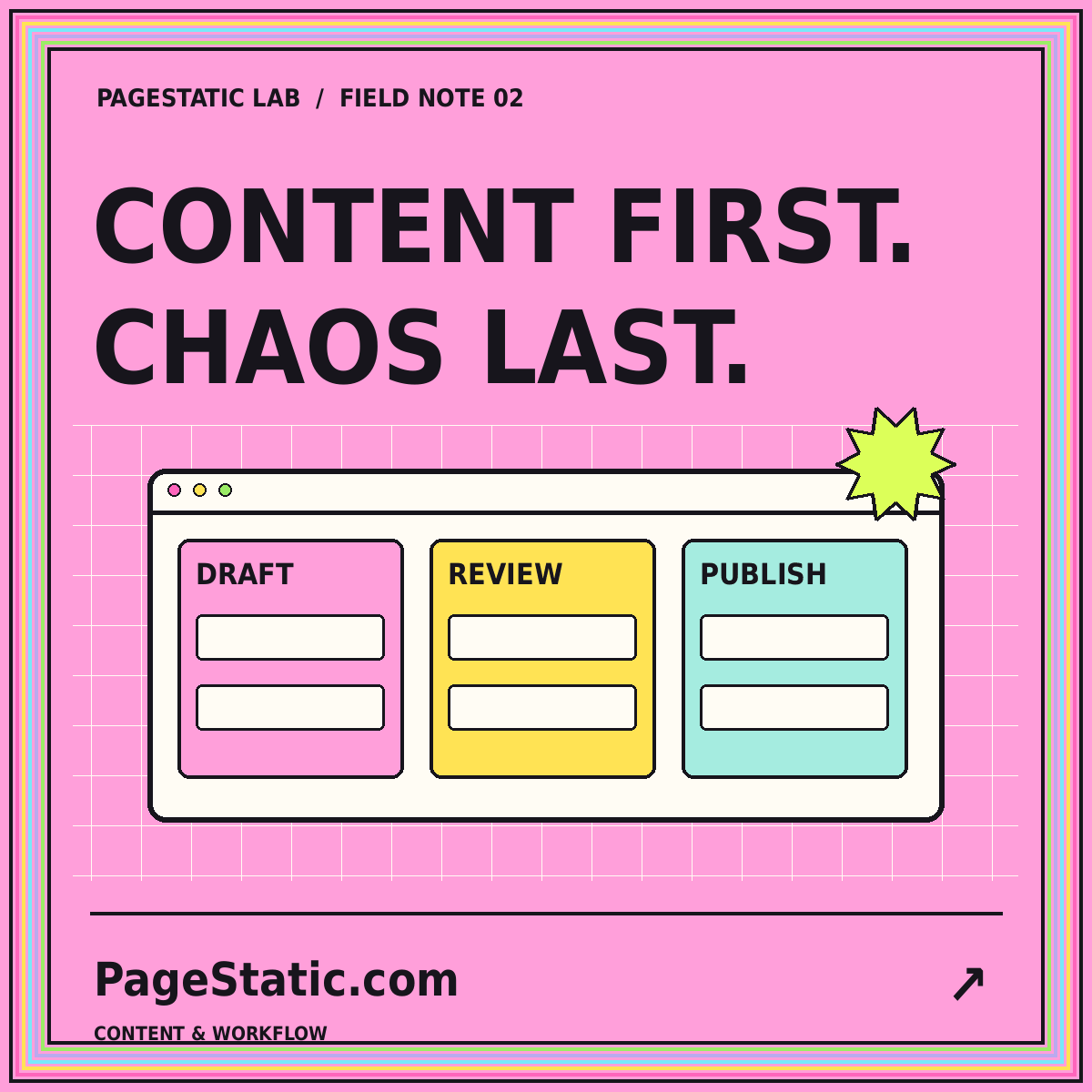
A review path needs named responsibilities and visible states. Draft, in review, approved, and published are often enough for a small team. Explain what each state means and who may change it. Avoid creating ceremonial approvals that everyone bypasses. A correction to a contact address might reasonably use a different path from publishing a new guide with technical claims and multiple contributors.
Make review criteria concrete. A reviewer should check the intended reader question, factual support, internal links, image context, headings, and preview behavior. Designers should not have to rediscover content errors in the final upload, and editors should not be the only people checking technical output. Divide the checklist according to expertise while leaving one person accountable for the final release decision.
Try exporting before committing
An export test reveals whether the content remains understandable outside the chosen editor. Obtain the available export, open representative entries, and identify how images, relationships, dates, and drafts are represented. A successful download is not necessarily a usable migration package. You need to know whether another person could reconstruct the essential content and its organization without relying on a proprietary editing screen.
Keep the scope of the test manageable. Export one complete article, one media-heavy page, and a category with several entries. Check whether slugs and internal links survive. Record any manual cleanup that would be needed. This is not an argument against hosted tools; it is a way to understand the cost and responsibility of changing your workflow later. Evaluate portability with evidence rather than reassurance.
Conclusion: select for the second update
Choose a static CMS workflow only after the future editor has completed real tasks and someone has inspected the resulting release. Compare the friction around writing, media, review, preview, publication, and recovery. A tool that wins a feature comparison may still lose this practical test. The goal is a dependable path from a small content change to a correct public page.
Document the workflow in the team's own language and keep a complete example nearby. Revisit the decision when the team, content types, or publishing frequency changes. For the next step, use the static builder export checklist to examine the delivered files. A good editing experience and a portable static output should support one another rather than becoming separate, unresolved promises.