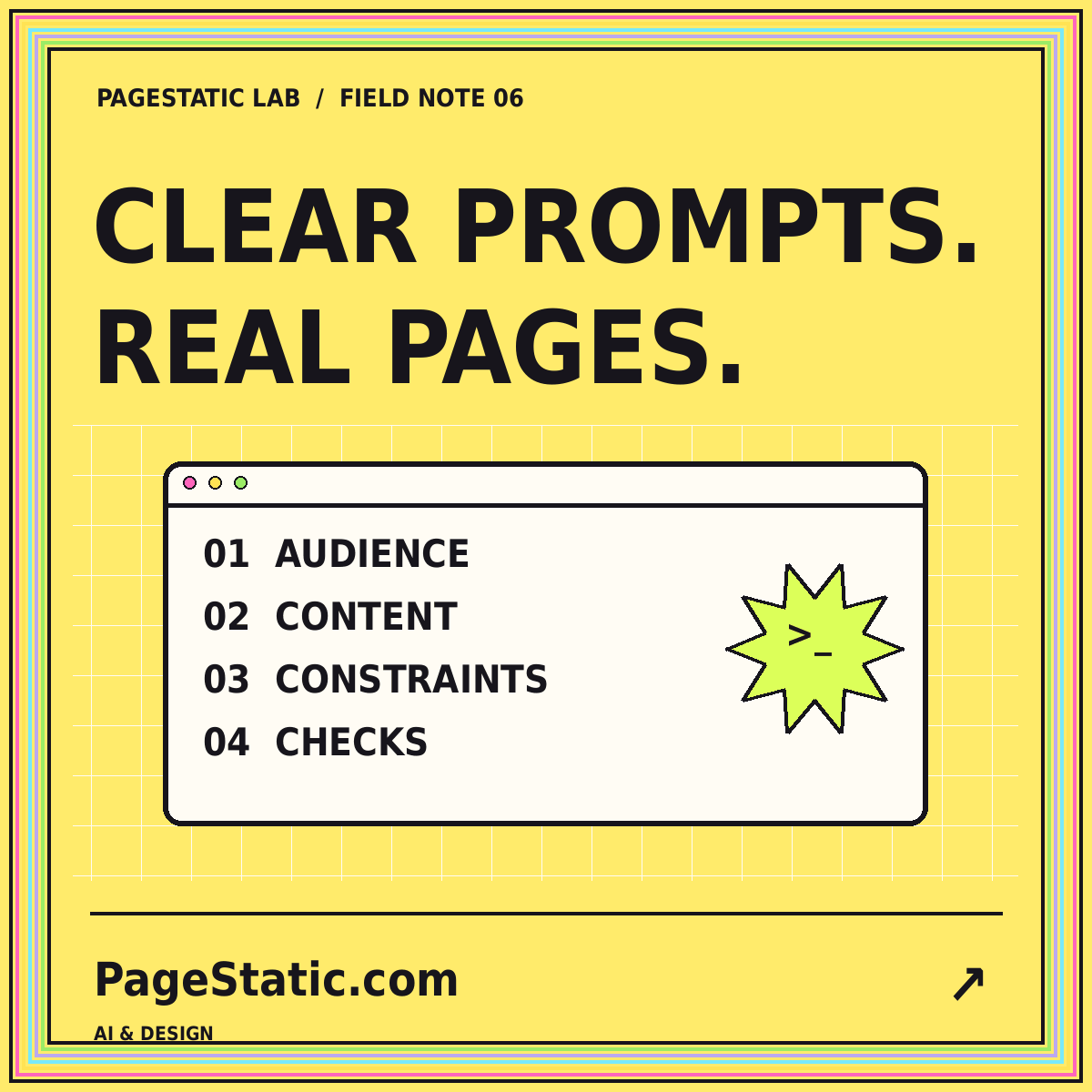
How to write AI website prompts that leave less to chance
Build a reusable prompt around audience, approved content, page structure, visual rules, and verifiable acceptance criteria.
Read the field note · 7 min
06 / THE PROMPT NOTEBOOK
Better instructions. Fewer surprises.
Read reusable static website prompts for project planning, responsive design, content review, and migration scoping.
A useful prompt identifies the reader, the job, the source material, the deliverable, and the acceptance checks. Keep exact facts separate from creative decisions. Explain what must not be invented. Then use examples to clarify the expected structure without turning fictional example details into claims about the actual project.
The Anthropic prompt engineering overview connects prompt development with clear goals and evaluation. For website work, pair important instructions with a way to inspect the result. The written examples below are starting points to adapt in your own chosen tool.
Plan a static portfolio for an independent illustrator. Its readers are prospective clients comparing relevant work. Use only the approved project descriptions and contact details supplied with this brief. Propose a concise page map with a reader question for each page. Separate necessary first-release content from optional later additions. Identify anything that would require a dynamic service. Do not invent testimonials, clients, qualifications, or performance statistics.
Use this before asking for a visual design. Review whether each suggested page has a real purpose and enough approved material to be completed. Remove unsupported sections instead of asking the tool to fill them with convincing-sounding copy.
Create a responsive static article page using the supplied content and approved visual rules. Include consistent navigation, one primary heading, a featured image, readable sections, and useful related links. Keep the essential article text in HTML. Use local assets and a compiled stylesheet. Make the mobile navigation operable with a keyboard. Preserve the brand spelling and contact address exactly. Do not add forms, accounts, live counters, or unimplemented product actions.
Test this page before applying its patterns throughout a website. A representative article should include a long title and several sections. Compare the actual output with the AI-assisted website review process rather than approving only a screenshot.
At narrow widths, the shared header overlaps the start of the article. Adjust the header layout and anchor offsets. Preserve the current destinations, approved copy, metadata, and image files. Verify that the mobile menu opens, closes, and remains scrollable when necessary. Confirm that following an in-page section link leaves the heading visible below the sticky header. Report the checks that actually ran and any limitations.
A revision should solve one observed problem while protecting approved work. Save the prior version and inspect the changed files. Do not repeat the entire website brief when a smaller, relevant subset of requirements explains the repair.
Prepare a static-readiness audit for a website we are authorized to manage. Group public pages by content type. Identify dynamic features, media dependencies, current paths, and proposed destinations. Separate content preservation from functionality that needs another system. Recommend a representative pilot and acceptance checks before a full move. Do not assume that saving rendered HTML preserves accounts, payments, search, or form processing.
This is a planning request, not permission to bypass access controls or copy material without authorization. Use its output to organize a real inventory, then verify representative pages. The conversion planning guide explains how those decisions affect the release.
A generic prompt does not know your brand, page inventory, image rights, reader needs, or hosting constraints. Supply those facts deliberately. Label unknown details as questions. Keep credentials and unnecessary private information out of the task.
Before accepting the result, compare it with the brief, check local links and assets, and inspect the mobile layout. Ask for a factual account of work performed, not a claim that everything is guaranteed. For a fuller reusable framework, read how to write better AI website prompts.
COMMON QUESTIONS
A few practical answers about this topic.
These are readable examples, not input fields. Adapt the written instructions for the tool and project you choose separately.
Name it when the delivery or maintenance requirements depend on it. Otherwise define the required output and review process before locking in implementation choices.
Exclusions protect important boundaries. They help prevent invented business claims, unnecessary data-entry interfaces, and features that the project does not implement.
FROM PAGESTATIC LAB
Build a reusable prompt around audience, approved content, page structure, visual rules, and verifiable acceptance criteria.
Use a clear scope, real content, and staged review to turn an AI-generated page into a draft worth developing.
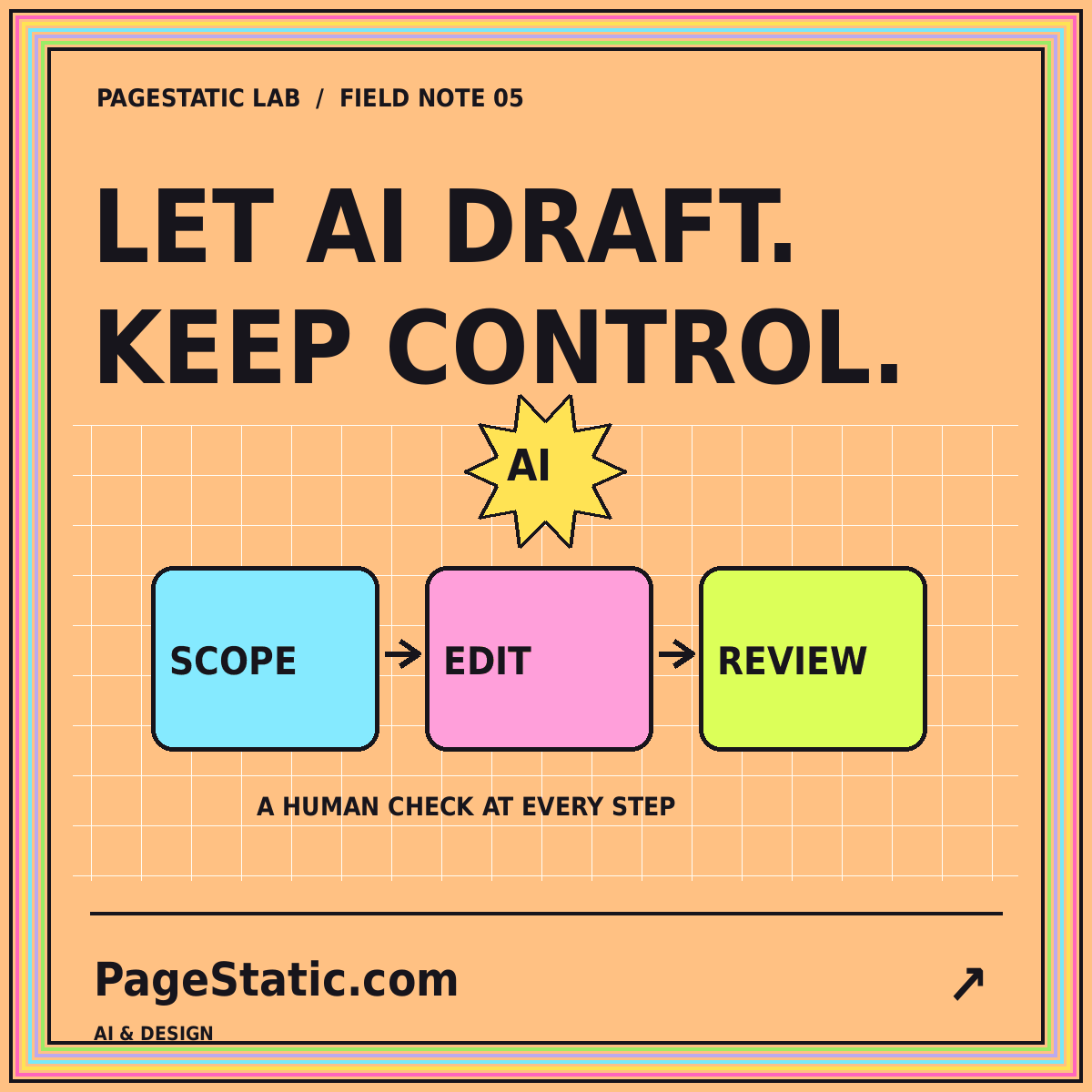
Define permissions, checkpoints, and acceptance tests before delegating website changes to a coding or design agent.