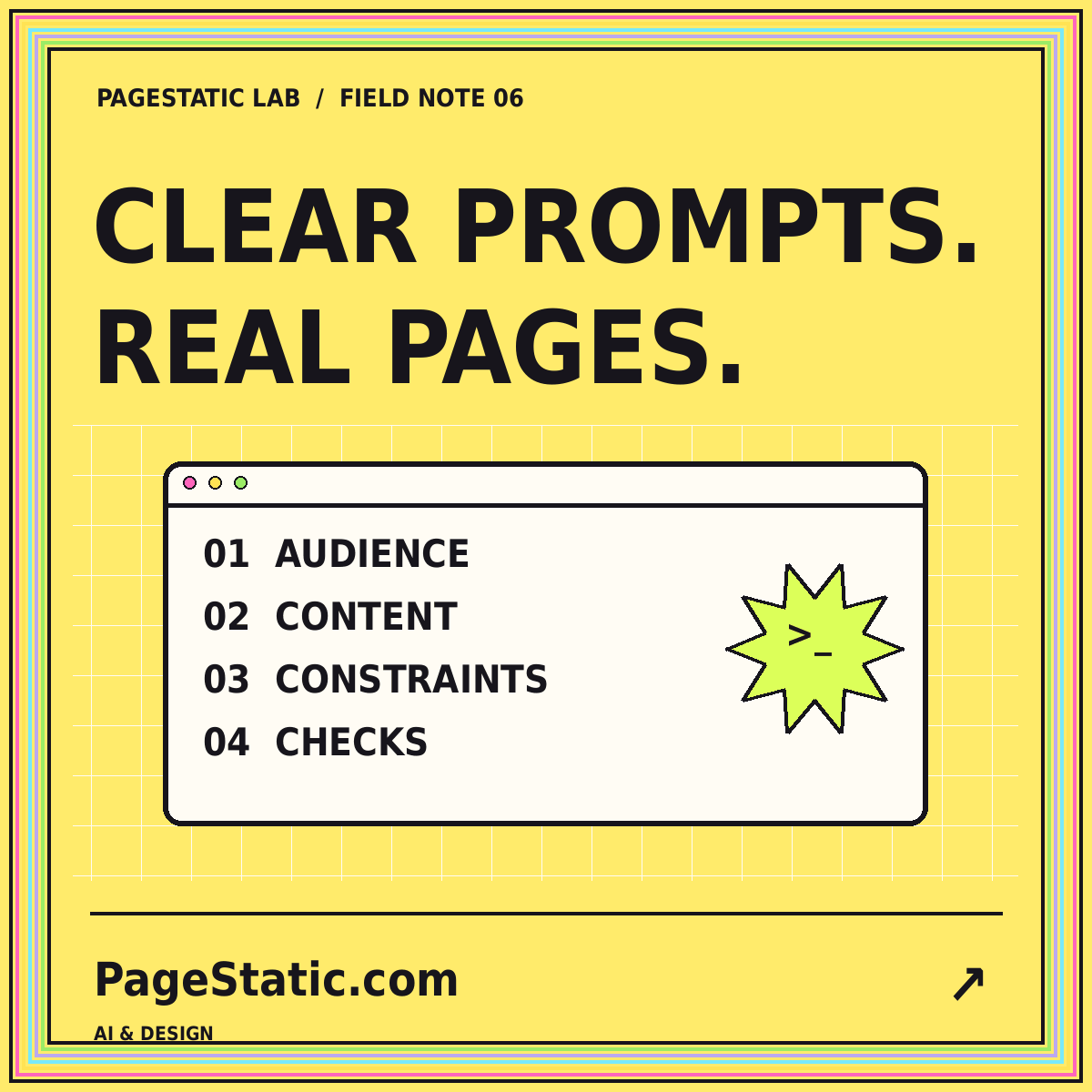
An AI-assisted website project improves when the first request is treated as a design brief rather than a wish. “Make a modern website” leaves almost every important decision open: who the reader is, which pages exist, what the content should say, and whether a button should actually do anything. A more useful first draft begins with a smaller, clearer agreement about the result you intend to review.
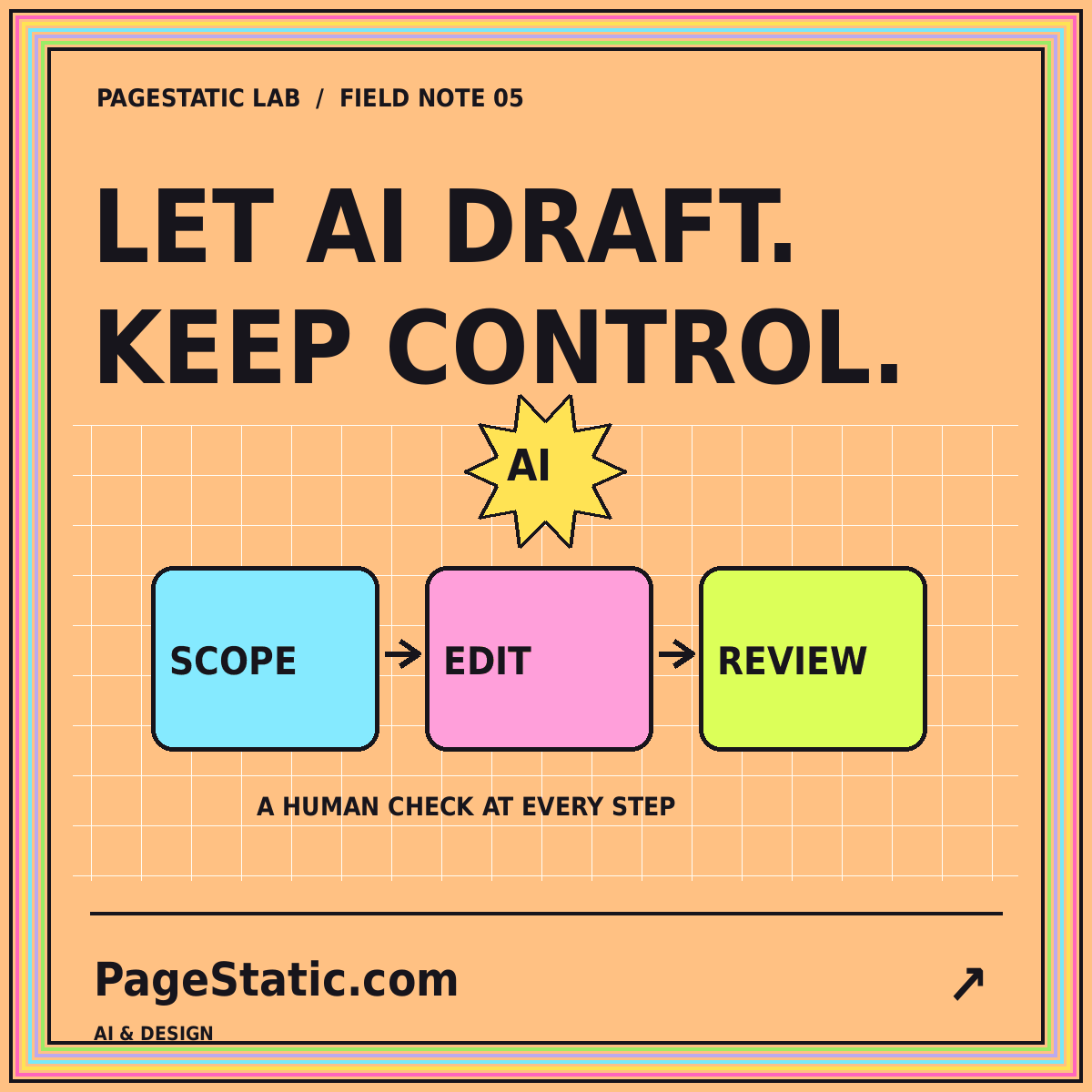
The process below separates briefing, drafting, and verification. It does not assume that an AI tool knows your organization or that a polished screenshot represents a finished website. Your role is to supply the right context and decide whether the output meets the brief. Use the draft as material for review, not as evidence that every factual, technical, and editorial requirement has already been satisfied.
Start with the reader's problem
Describe a reader in a concrete situation. A local artist's potential client needs examples of work and a way to ask about a commission. A documentation reader needs to complete a task without guessing which version of a process applies. Those situations suggest different page structures. Name the reader's main question before selecting a color scheme, animation style, or layout reference.
Write a short statement of the website's purpose and a separate statement of what it does not do. For example, a resource site might explain static publishing without offering an online builder or conversion service. That boundary matters because generated interfaces can look convincing even when no implementation exists behind them. A draft should not introduce accounts, live metrics, testimonials, or integrations simply because those elements are common in other websites.
Supply a small, reliable content pack
Collect the facts the draft is allowed to use: the brand name, approved description, contact address, required pages, and content you have permission to publish. Include actual examples of the writing tone you prefer. Keep unsupported ideas in a separate section labeled as questions or proposed content. This helps you distinguish an editorial gap from something the system should confidently state as a fact.
Do not provide secrets or unnecessary personal information as design context. A page about a business rarely needs private customer records, unpublished credentials, or access tokens. Before using any external AI service, review the service's current handling of submitted information and your organization's rules. For the first draft, a small sanitized content pack is often easier to review and less likely to create accidental exposure than an indiscriminate document dump.
Specify structure before styling
Give each required page a job and a basic outline. The homepage may introduce the topic and direct readers toward guides. A topic page may explain a workflow and link to detailed articles. Contact may contain only a working email link. Specify which elements are shared, such as navigation and footer, and which information must remain unique to each page.
Then define the visual system in observable terms. Describe contrast, spacing, typography scale, image treatment, and behavior on narrow screens. “Bright backgrounds with dark readable text and restrained motion” is more reviewable than “premium and innovative.” Identify existing template elements to preserve and demo elements to remove. This provides a direction without requiring the model to invent a complete visual identity from a vague adjective.
Request one representative page first
Begin with a page that contains the site's typical complexity. An article with navigation, a featured image, several sections, and related links can reveal more about the design than an isolated hero block. A representative page also exposes how long content behaves. Ask for complete copy and realistic headings so the draft is not dependent on unusually short demo text.
Review that page before expanding the site. Check whether the reading order makes sense, the navigation fits, and the calls to action lead to actual destinations. Record changes as concrete observations. “The heading wraps into six short lines at this width” is useful feedback. “Make it more polished” leaves the next revision open to interpretation and may change parts you had already approved.
Treat generated code as material to inspect
Generated code deserves the same review as other contributions. The GitHub guidance on responsible use of Copilot Chat discusses the importance of understanding limitations and reviewing generated suggestions. The practical lesson here is narrow: do not assume that plausible-looking output is correct, secure, or appropriate for the specific project merely because it was produced quickly.
Inspect unexpected dependencies, network requests, and scripts before publishing. For a static resource site, check that its essential content is present in HTML and that no unnecessary account or form behavior has appeared. Review links and asset references against the delivered files. You do not need to reject useful generated code; you need to understand which parts have been checked and which still require attention.
Review content separately from appearance
A page can look excellent while making claims nobody supplied. Read the copy in a plain text view and mark product features, statistics, testimonials, qualifications, and guarantees. Each needs a real basis. Remove invented claims instead of softening them into vaguely promotional language. For editorial material, distinguish an explanation of a technology category from an assertion that your website operates that technology.
Check names and boundaries consistently
Look for leftover template brands, mismatched contact details, and calls to action that contradict the site's scope. A guide should not suddenly offer a free trial when no product exists. An article should not refer to an integration that was never approved. The PageStatic AI Websites guide keeps these review questions grouped around the purpose of a static editorial site.
Test the draft outside its ideal view
Open the output in a normal browser at several widths. Use the mobile menu, follow deep links, and refresh an inner page directly. Try keyboard navigation and a larger text setting. Inspect what happens when a heading is long or an image is unavailable. These checks turn a visual opinion into observations about behavior that the next revision can address.
Do not treat a single screenshot as a performance or accessibility result. It can show composition, but it cannot prove that focus is visible, links work, images load efficiently, or content remains usable without a remote dependency. Keep a small checklist and record outcomes. A failed check is a repair task, not a reason to disguise the problem behind a more impressive visual effect.
Revise in small, named passes
Group revisions by purpose. One pass can fix content accuracy, another can refine page structure, and another can address responsive behavior. Ask the tool to preserve already approved elements unless a change is necessary. This reduces the chance that solving a mobile-menu issue unexpectedly rewrites the article content or replaces the footer's working contact link with an unimplemented form.
Keep the previous working version before each substantial revision. Compare the changed files or rendered pages and repeat checks related to the change. When a revision fails, return to a known state and describe the specific problem rather than stacking contradictory instructions onto an unstable draft. A brief change record makes collaboration easier, especially when several people review different aspects of the website.
Conclusion: approve evidence, not fluency
A useful AI-assisted first draft is coherent, inspectable, and honest about the website's purpose. It contains real content, respects the agreed boundaries, and gives you a manageable set of decisions to review. It does not need to pretend that every feature is implemented or that every design choice is final. A clear first draft creates a better foundation than an elaborate but unverified presentation.
Move on only when the representative page passes the checks that matter for your project. Then expand the approved patterns to the remaining pages and review those pages individually. For a reusable starting structure, see how to write better AI website prompts. The prompt and the review process should develop together, with each iteration making the next result easier to evaluate.