From website brief to AI-assisted first draft
Use a clear scope, real content, and staged review to turn an AI-generated page into a draft worth developing.
Read the field note · 6 min
04 / AI & DESIGN
A useful draft starts with a clear brief.
Plan AI-assisted websites with approved content, clear requirements, structured review, and checks that go beyond an attractive screenshot.
AI-assisted website work starts with decisions that belong to the project owner: the reader, the purpose, the page map, the approved facts, and the boundaries. A request for a “modern website” leaves too much unresolved. A better brief describes what each page must explain and what the final files must do.
Treat a generated website as a draft to inspect. Visual polish does not demonstrate factual accuracy, usable navigation, or a complete implementation. The value of a good brief is that it makes the next result easier to evaluate, not that it removes the need for review.
Supply the correct brand spelling, contact details, approved descriptions, required destinations, and media you have permission to use. Separate confirmed information from ideas that still need an answer. Do not invite the draft to invent a customer count, a testimonial, a business qualification, or a product feature to fill an empty space.
Keep confidential material and unnecessary personal data out of a design task. Use only the information relevant to the work, and check the chosen service's current handling of submitted content before sharing sensitive information. A small, well-labeled set of approved materials is easier to review than a large, unfiltered collection.
Ask for the page map and one representative outline. Verify that every required destination exists and that each page answers a distinct question. A long article is a better test of a reading layout than a hero section with one short sentence.
Specify observable visual rules: readable contrast, a consistent spacing system, responsive cards, and visible focus. Describe what to preserve from an existing template and what to replace. Test a long title before expanding the layout across the entire site.
Follow real links, open the mobile menu, resize the browser, and refresh a deep page. Confirm that assets belong to the delivered package. Essential content should remain understandable when decorative effects or optional scripts are unavailable.
The GitHub Copilot Chat responsible-use guidance discusses reviewing generated suggestions and understanding their limitations. Apply that principle to a website by inspecting unexpected code, dependencies, and content instead of treating a fluent response as a completed check.
Read the copy without the visual design. Mark every factual claim and compare it with approved material. Then inspect the implementation against the brief. A page can succeed in one review and still fail the other. Give each problem a concrete revision request with a clear completion test.
Keep a recoverable version before substantial changes. Revise structure, copy, and interaction in small passes rather than asking for a complete redesign every time an issue appears. Tell the tool what must remain unchanged, especially approved text and existing page destinations.
The brief-to-first-draft walkthrough develops this process in detail. Use the website prompt examples to turn the requirements into reusable instructions. For tools that can edit across a project, read the design-agent workflow before granting broad access.
Before publication, compare the final site with the actual page inventory. Check links, media, titles, contact information, keyboard behavior, and narrow-screen layout. Record which tests ran and which aspects still depend on the production host.
Keep measurements and claims scoped to what was observed. A local test cannot prove a mailbox receives messages or that a website will achieve a particular search ranking. A useful release is one whose requirements and limits are understood, rather than one decorated with promises nobody verified.
COMMON QUESTIONS
A few practical answers about this topic.
It can assist with drafts, code, content structure, and revisions. The output still needs factual, technical, and usability review before publication.
Include the audience, purpose, page map, approved facts, visual direction, delivery requirements, and checks that define completion.
PageStatic publishes explanations and reusable written prompts. It does not run a live AI generation service.
FROM PAGESTATIC LAB
Use a clear scope, real content, and staged review to turn an AI-generated page into a draft worth developing.
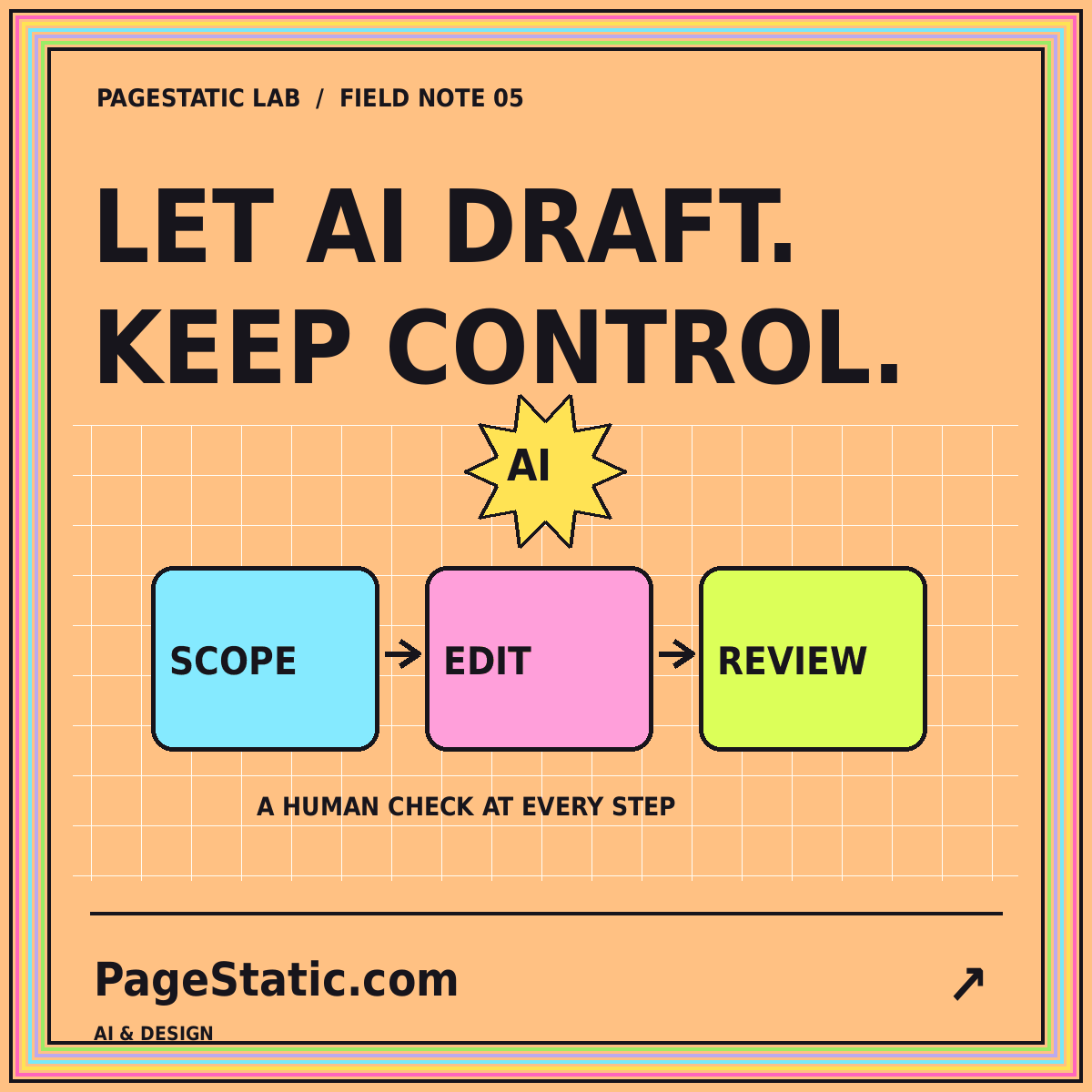
Define permissions, checkpoints, and acceptance tests before delegating website changes to a coding or design agent.
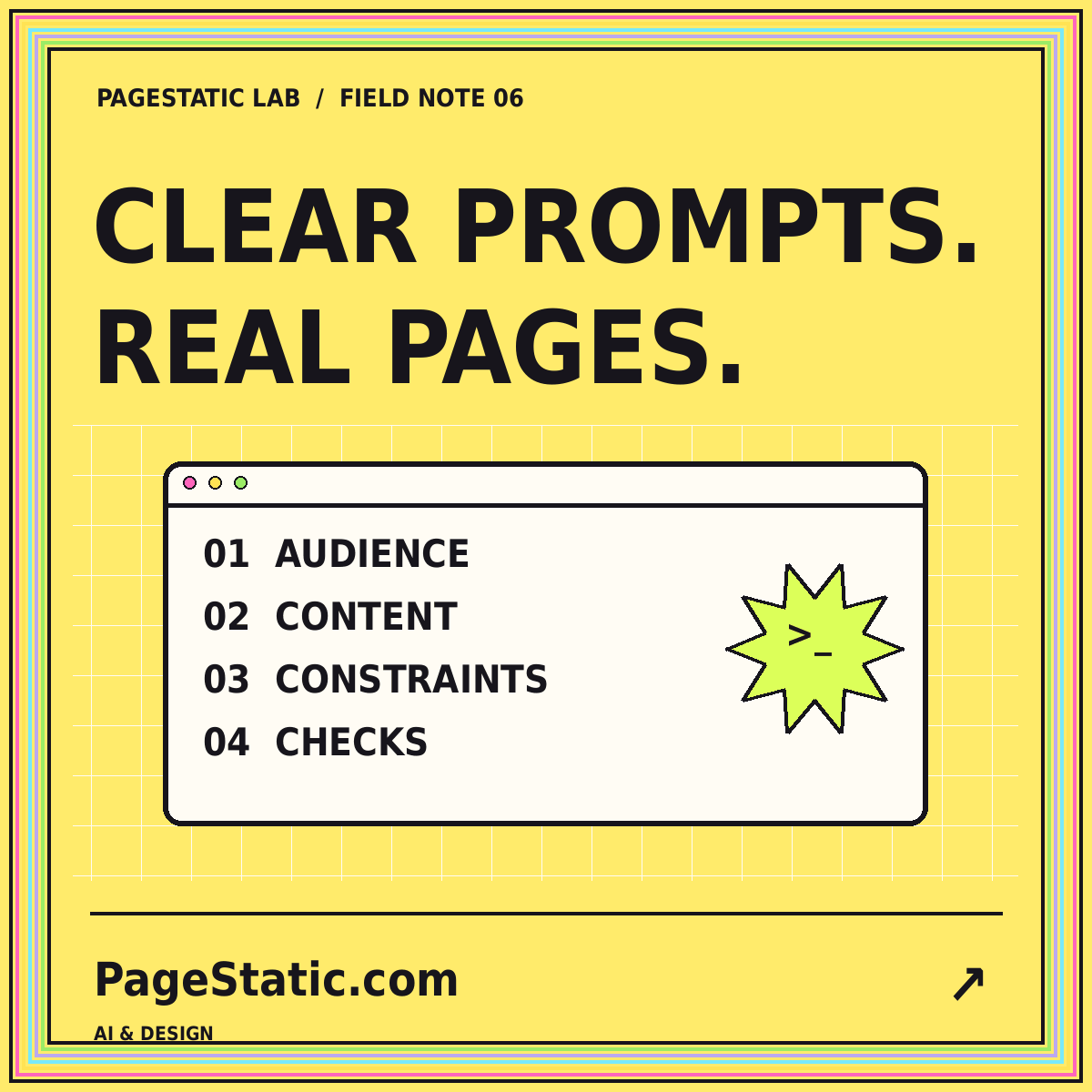
Build a reusable prompt around audience, approved content, page structure, visual rules, and verifiable acceptance criteria.