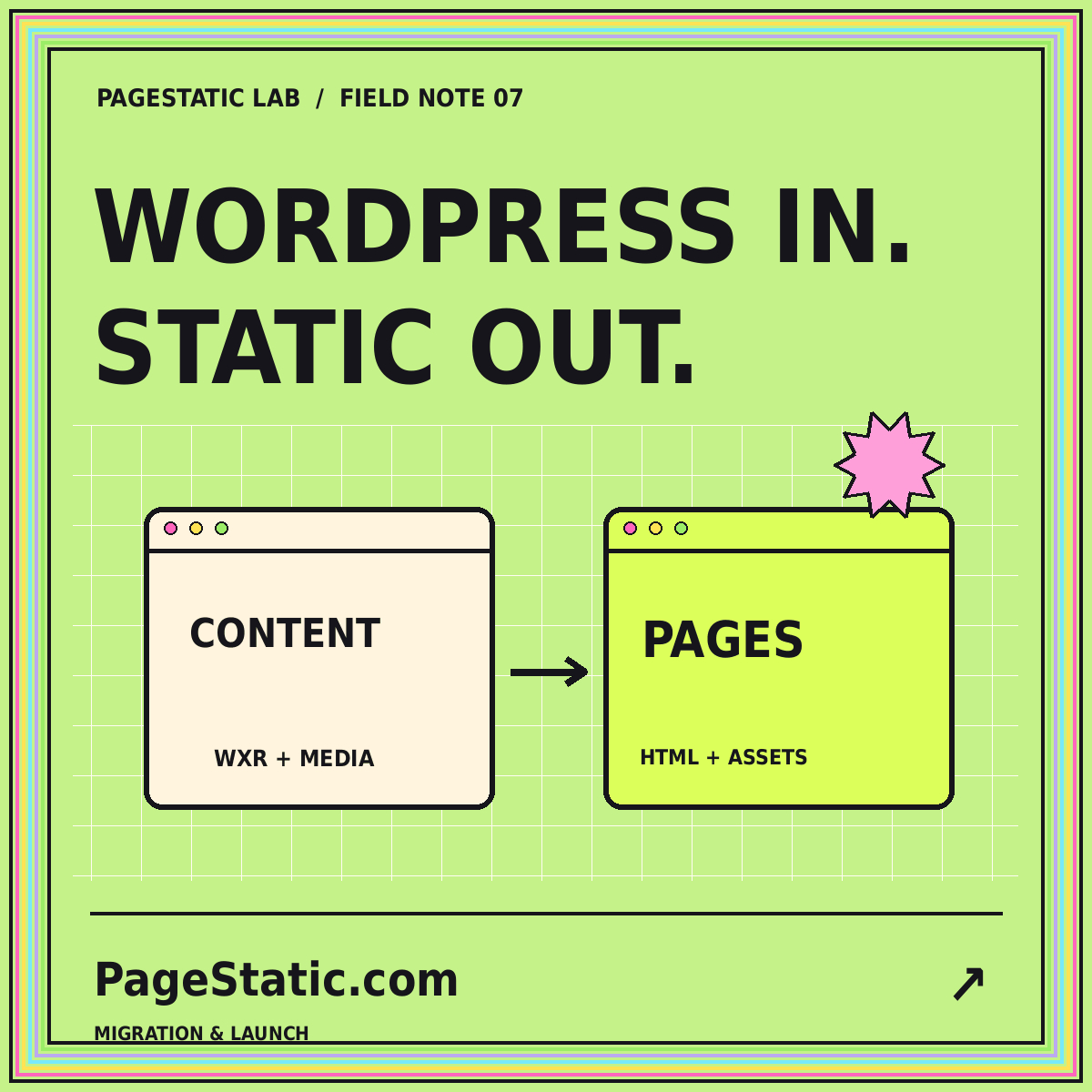
WordPress to static pages: a careful migration plan
Inventory content, media, URLs, and dynamic features before deciding how a WordPress site should move to static publishing.
Read the field note · 6 min
07 / MIGRATION & LAUNCH
Keep the content. Rethink the delivery.
Plan a WordPress-to-static migration with content inventories, media preservation, plugin audits, URL mapping, and a tested pilot.
A WordPress migration involves several different things: written content, media, design, public addresses, and visitor-facing features. Treat them separately. An export file may move content without preserving the rendered theme or the behavior of a plugin. A captured page may preserve its appearance without preserving the process behind a button.
The WordPress Tools Export documentation describes the WXR content export format. It is not a ready-to-host static website. Identify what your chosen conversion method actually produces and compare that output with the parts of the original site you need to retain.
Record retained posts, pages, categories, tags, custom content types, and important media. Include the current URL and the intended destination. Mark content for revision, consolidation, or retirement with its owner rather than silently dropping it from the migration.
Review the visitor-facing tasks too. Accounts, payments, forms, search, comments, and personalized information may rely on a dynamic system. Decide how each requirement will be handled. A static replacement must not show an interface that implies an unavailable feature still works.
A rendered export attempts to capture the public pages that WordPress produces. Test image loading, links, shared navigation, and plugin-dependent content. It may preserve the existing appearance, but that is not evidence that every interactive feature survives.
A rebuild brings exported content and authorized media into new page templates. It can be an opportunity to simplify the structure and improve editing consistency. Record how shortcodes, custom fields, galleries, and unusual content will be transformed instead of assuming every item is ordinary paragraph text.
Some projects keep an editing system separate from the static public output. Others rebuild a smaller public archive. Select the approach that fits the actual maintenance work and feature requirements. The static CMS guide helps connect migration choices with the future editing workflow.
Map each retained path to its new destination. Keep useful addresses where practical. When paths change, document redirect requirements separately from the new page files; the final host may need configuration to handle old routes. Update internal links and inspect links to specific heading fragments too.
Confirm that images and downloads are included, authorized, and linked correctly. Retain meaningful captions and alternative text. Review exports for private drafts or attachments that should not become public. Keep archival originals outside the public release when they are not needed for the reading experience.
Test a long article, an image-heavy page, a custom content entry, and an archive. Open each directly on static hosting, refresh it, and follow its links. Compare the content with the inventory. Check titles, canonical addresses, feeds, image references, and the intended publication dates.
Keep the original site recoverable until the replacement has been checked. Record what local testing does not prove, including production redirects and host configuration. A migration plan should say who publishes the new release and who can restore the previous one when a problem appears.
Have the future editor correct a paragraph, replace a picture, and produce a new release during the pilot. If the workflow is unclear, fix it before migrating the rest of the content. A static website still needs ownership and editorial care.
Read the full WordPress-to-static migration plan for a step-by-step review. For other site architectures, begin with the general static conversion audit rather than assuming the WordPress-specific export steps apply everywhere.
COMMON QUESTIONS
A few practical answers about this topic.
No. It is a content-transfer format. A complete static release also needs rendered pages, supporting assets, and decisions about functionality.
Do not assume so. Audit the visitor-facing behavior and test representative pages. Features requiring server processing may need a separate implementation or deliberate removal.
PageStatic provides migration reading material, not a conversion engine or URL-submission workflow.
FROM PAGESTATIC LAB
Inventory content, media, URLs, and dynamic features before deciding how a WordPress site should move to static publishing.
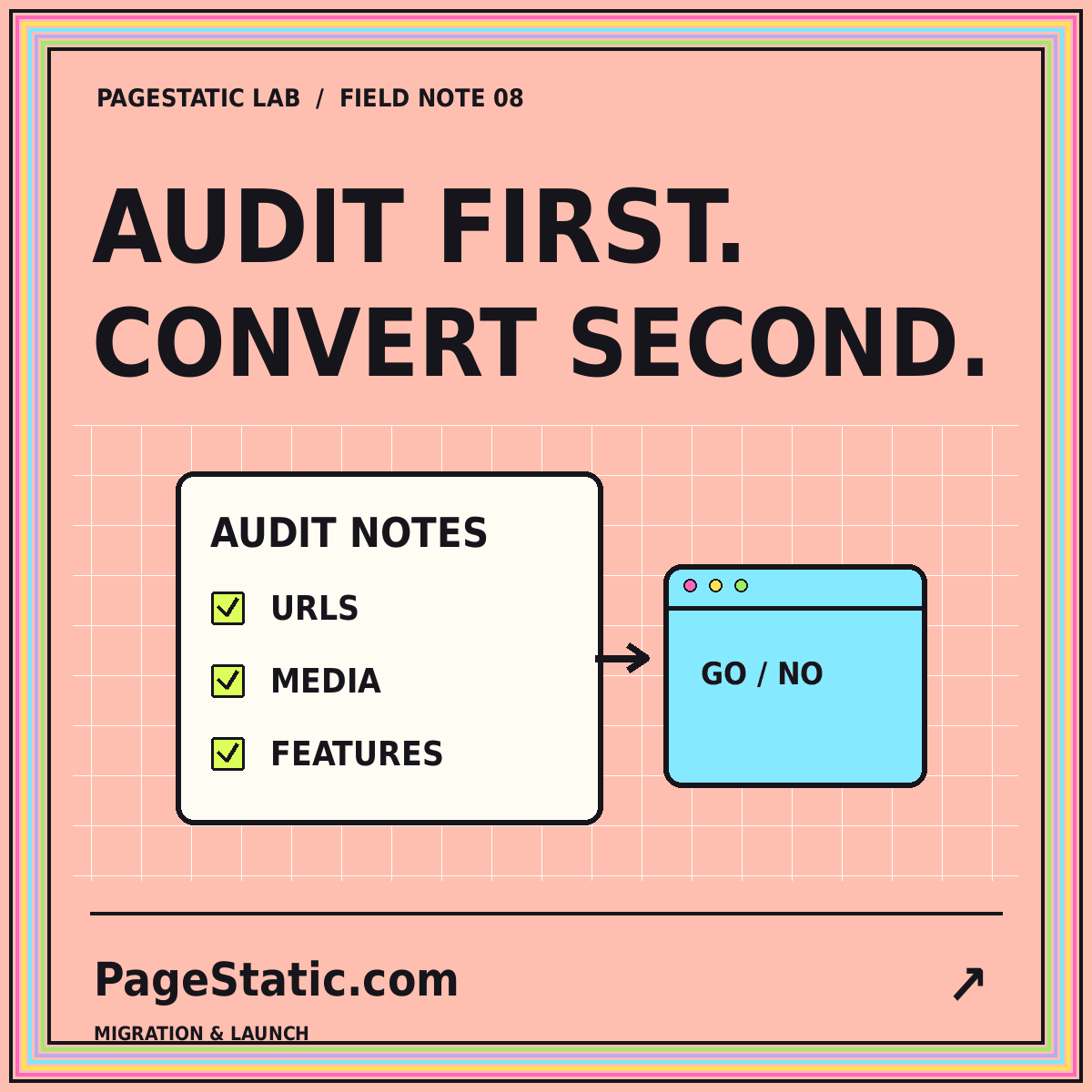
Separate public content from dynamic dependencies, map existing routes, and test a small conversion before committing to a migration.
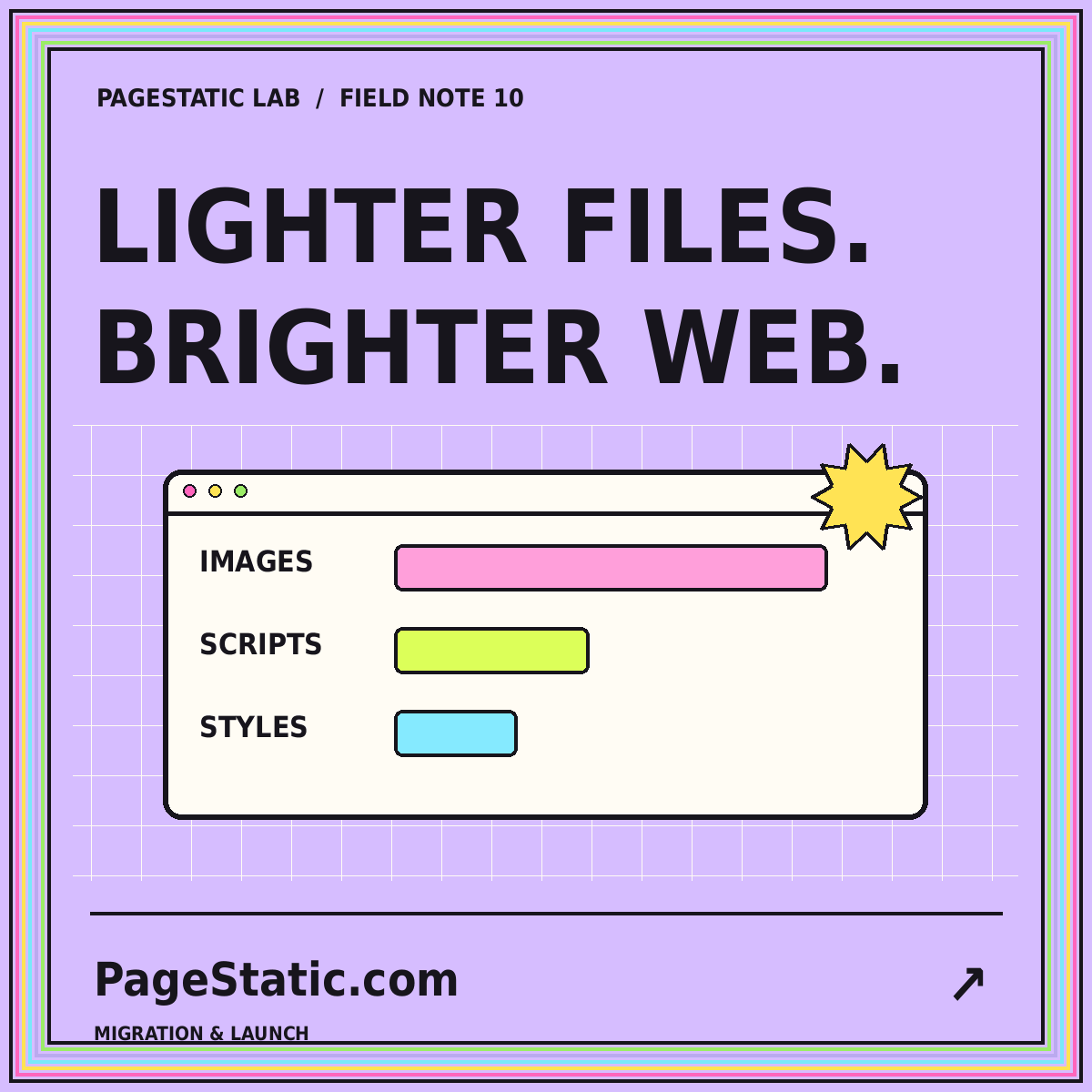
Set a practical page-weight budget, inspect images and scripts, and compare releases without promising a universal speed score.