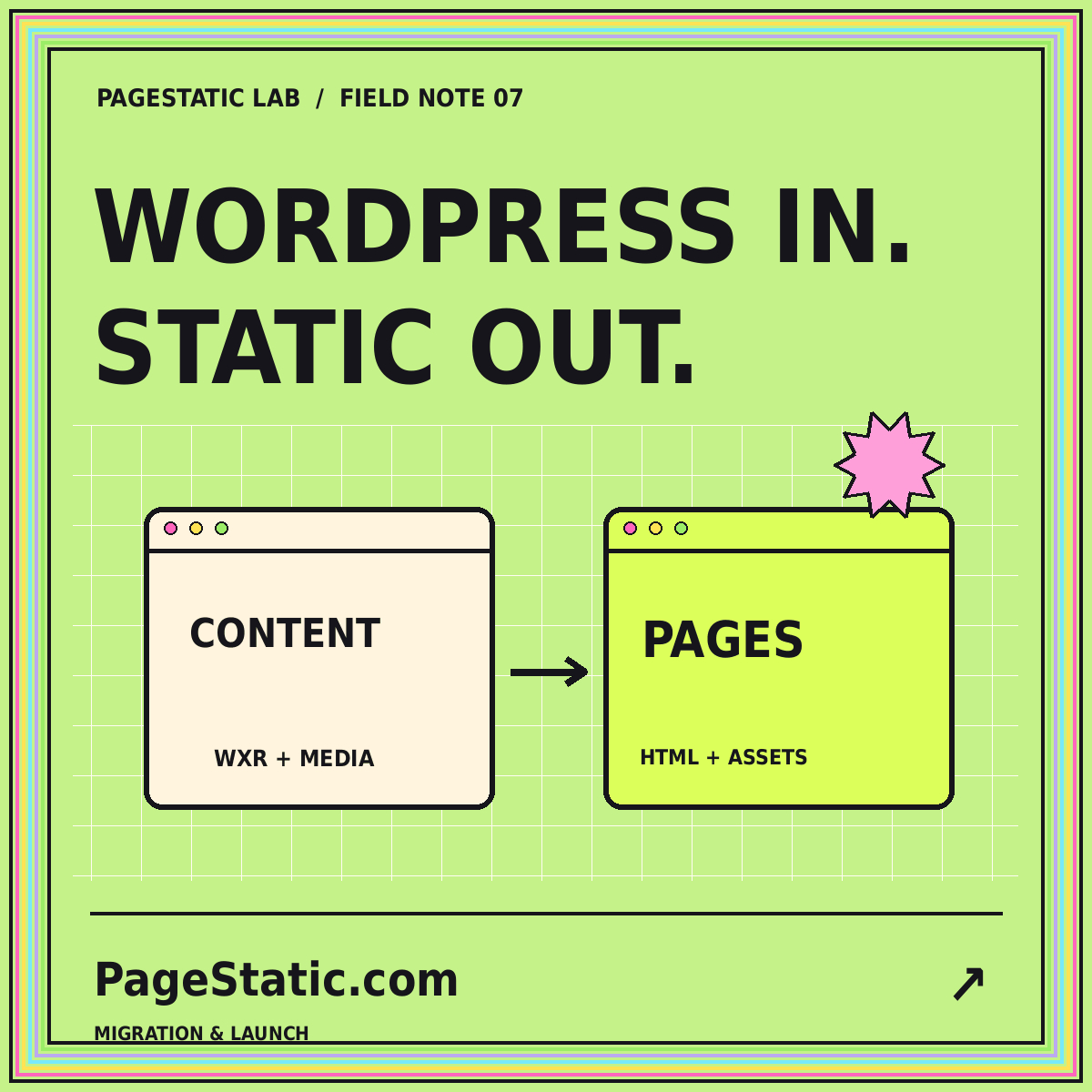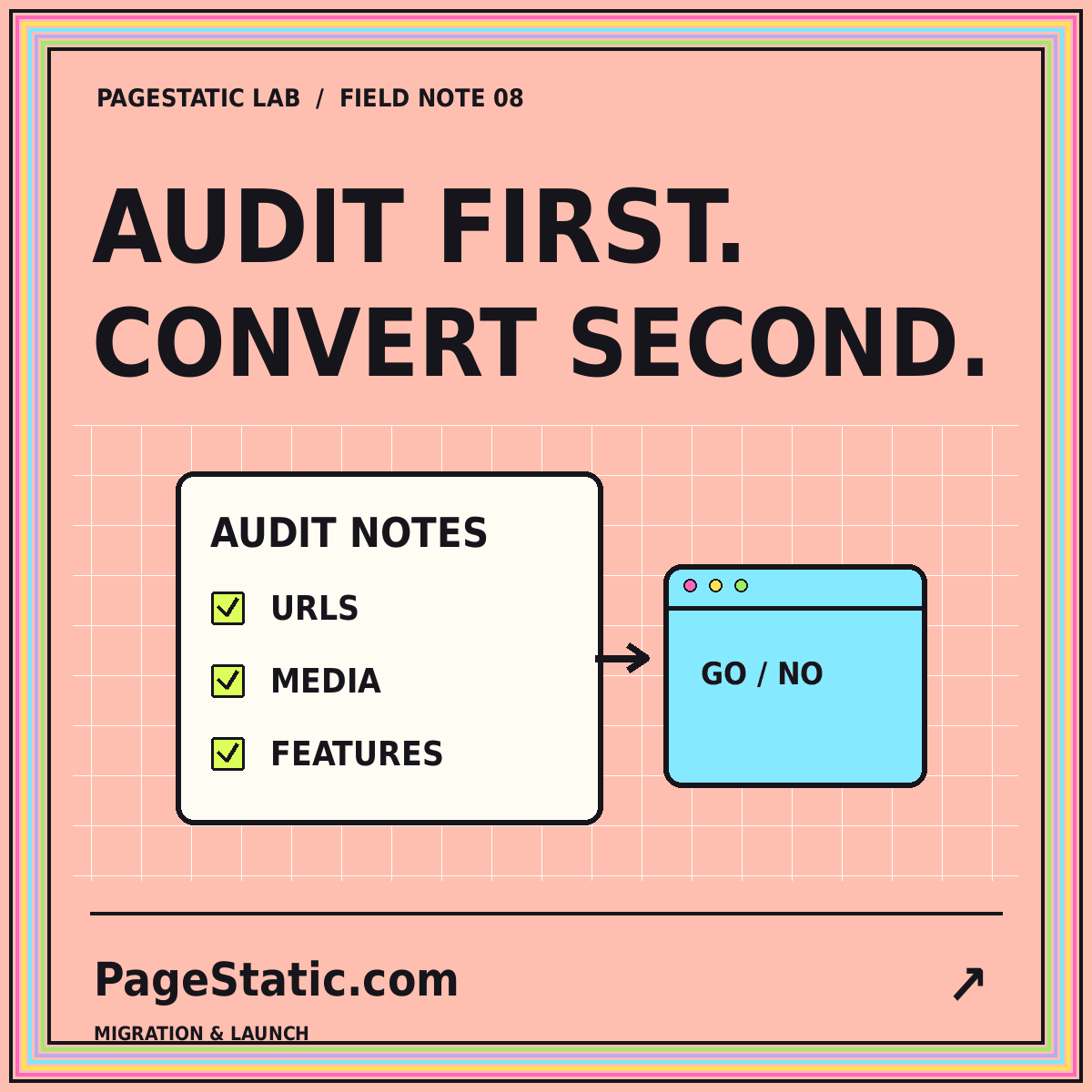
Before converting an existing website to static pages, determine what the site actually does. A page may appear to contain ordinary text and pictures while depending on live data, a session, a search service, or server-side processing. Saving its visible markup does not preserve all of those behaviors. An audit makes the difference between a useful publishing simplification and a replacement that looks familiar but no longer supports important tasks.
Use this process only for a website you own or have permission to assess. Focus on public content and documented requirements. The aim is not to find a clever way to copy everything; it is to decide which parts belong in static output, which need another implementation, and which should remain dynamic. A small pilot should come before a site-wide commitment.
Start with a task inventory
List the tasks readers perform on the current site. They might read a guide, compare services, download a public document, search a catalog, manage an account, or submit a request. Group these tasks by the information they require and whether they change anything. Reading prepared content is a different requirement from writing to a database or viewing private information associated with an account.
Interview the people responsible for the site instead of relying solely on a crawl. A rarely used administrative workflow or a seasonal registration flow may not be visible in a typical browsing session. Record why each task matters and what would happen if it disappeared. This helps you prioritize the audit and prevents a visually minor feature from being removed despite its importance to the organization.
Classify page types and dependencies
Group the site's URLs into page types: articles, landing pages, directories, product records, account screens, and so on. For each type, record where its content comes from and when it changes. A directory generated nightly has a different publishing pattern from a stock indicator that changes continuously. Do not label an entire site static-ready merely because its homepage contains no obvious dynamic controls.
Next, list dependencies such as external scripts, embedded services, fonts, images, and APIs. Identify which are essential for reading the page and which are optional enhancements. Check the site's behavior when a nonessential dependency is unavailable in a safe test environment. The purpose is to understand the architecture, not to assume that every third-party resource must be removed or that every dependency is equally important.
Draw a clear static boundary
For every task, choose a provisional outcome. Static content may remain directly in the new site. A dynamic task may move to a clearly identified service or application. Some features may be retired after discussion with their owner. Where private data or important transactions are central to the experience, a fully static replacement may not be the right architecture for that part of the site.
Avoid ambiguous compromises. A search box without a search implementation is not a converted feature. A decorative account button is not account access. A static snapshot of time-sensitive availability can mislead readers unless its limitations are clearly handled. Document the decisions in terms that editors and stakeholders can understand, so the scope is not known only to the developer performing the conversion.
Capture a content and URL baseline
Create an inventory of retained public pages with their current paths, titles, descriptions, and essential media. Include internal links and important downloadable files. Use several sources to check coverage: menus, sitemaps, content exports, and a crawl where appropriate. Each has limits. A sitemap can omit useful pages, while a crawl may miss content that is not linked in an obvious way.
Keep a copy of the baseline before making changes. It will help you compare the pilot output and investigate omissions. Add a column for the intended new destination and the reason for any retirement or consolidation. The Convert Website to Static Pages guide provides a topic-level overview of this planning process. Your actual inventory should be specific enough to support individual page decisions rather than only broad totals.
Choose a representative pilot
A pilot should include difficult cases, not just the easiest landing page. Select a long page with several sections, a media-heavy page, a page with internal references, and a route that uses a shared component. Add any content type whose output is unusually important to the organization. Keep the sample small enough to review carefully while making it broad enough to expose likely conversion problems.
Define acceptance checks for each sample. Does the essential text appear in the output? Are media files available locally when required? Do headings, captions, and links preserve their meaning? Can the page be reached directly on ordinary static hosting? Record any manual transformation needed. A pilot that requires extensive cleanup may still be viable, but that work must become part of the project plan.
Review navigation and discovery paths
A conversion should preserve how readers find information, not only the files themselves. Check the main navigation, footer, category pages, related links, and breadcrumbs. Determine whether pagination or filters depend on application behavior. Replace unsupported patterns with a genuinely usable alternative, such as a curated topic archive, only when it fits the content and the reader's needs.
Test entry from a deep page
Many visitors will not begin on the homepage. Open an inner page directly and ask whether it explains its context and offers a useful next step. Refresh it on the test host. Follow its links back to the parent topic. A homepage-centered review can overlook orphaned pages, broken nested routes, or navigation that only works after a script has been initialized elsewhere.
Plan changes to public addresses
When URLs change, treat the mapping as a separate migration deliverable. The Google Search Central guide to site moves discusses planning URL changes, redirects, and related migration checks. It does not promise that every move preserves rankings without fluctuation. Use it as a technical reference for the migration rather than as a guarantee of a particular search outcome.
Identify what the hosting environment must do for old addresses. A set of directory-based HTML pages can serve the new site, but redirects from prior paths may need host-level configuration. Verify the actual behavior after deployment. Update internal links to final addresses, maintain consistent canonical references, and remove staging domains from the release. Do not mistake a new sitemap for a complete substitute for a URL transition plan.
Include operations in the decision
Determine how the converted site will be updated. Someone needs to edit source content, produce new pages where necessary, check the release, and publish it. A site that is easy to serve can still be hard to maintain when those steps are unclear. Ask the intended editor to perform a routine change during the pilot and note the support they require.
Plan recovery as well as publication. Keep the previous release, record the conversion method, and identify which files belong to each version. Decide how broken content or an incorrect upload will be corrected. Static publishing changes the operational tasks; it does not eliminate ownership. The right decision considers the team's capabilities and the website's future work, not simply the size of the initial export.
Conclusion: make a scoped conversion decision
At the end of the audit, you should be able to describe the static portion of the site, the dynamic features that remain elsewhere, the retained page inventory, the URL plan, and the editing workflow. You should also have evidence from a representative pilot. This is enough to make a reasoned decision about proceeding, changing the scope, or keeping some parts of the existing architecture.
Do not let an attractive snapshot stand in for that evidence. A useful conversion preserves the reader's essential tasks and gives the team a maintainable release process. Before accepting the pilot, apply the static website accessibility checklist to its representative pages. Content preservation, navigation, and usability are part of conversion quality, not optional finishing touches after the old website has already been retired.