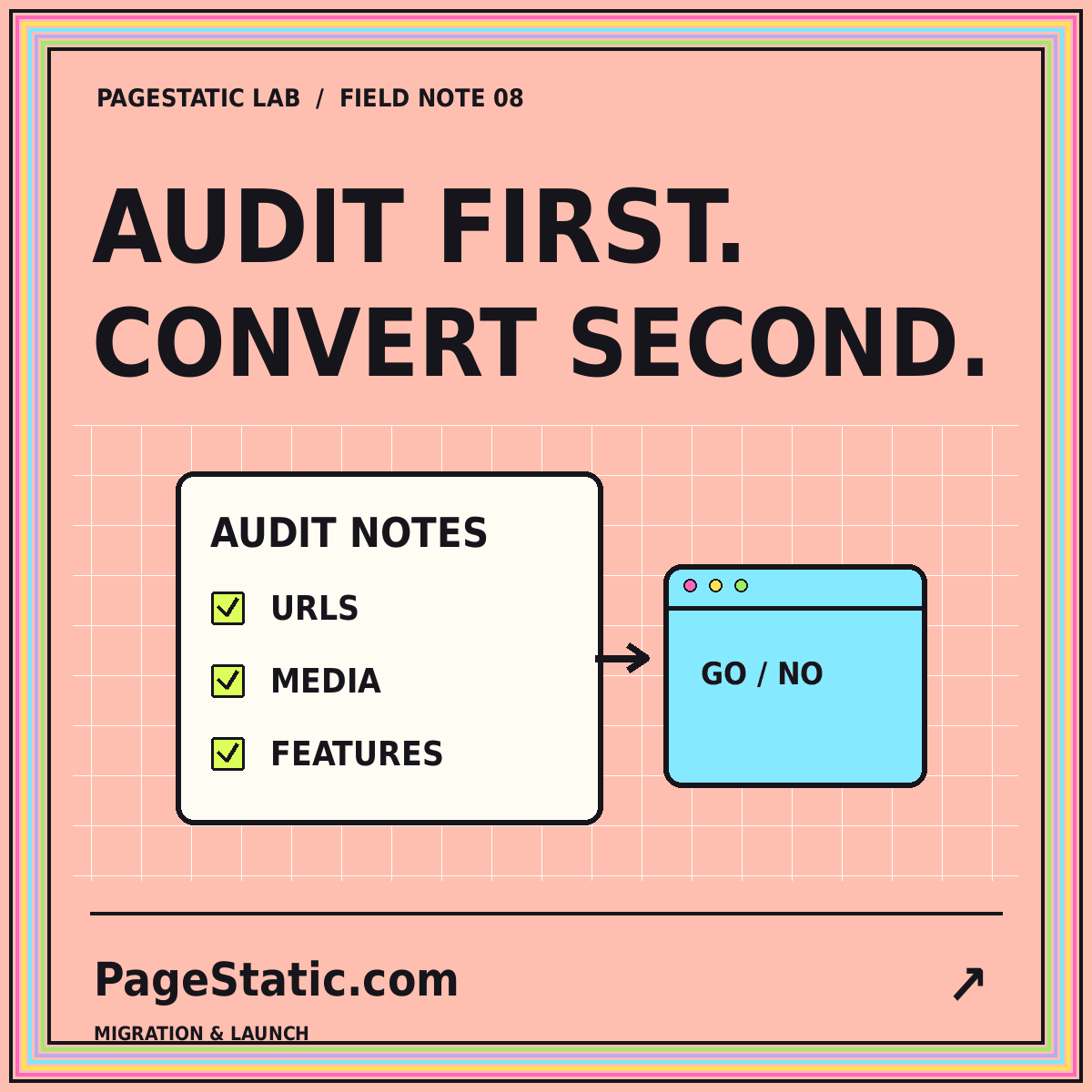
Moving WordPress content to static pages is not the same task as downloading an export file. The content, design, media, URLs, and visitor-facing features need separate decisions. A blog made mostly of public articles may be a reasonable candidate. A site built around accounts, purchases, or personalized information has requirements that a collection of prepared pages cannot simply preserve unchanged. Start by understanding the existing site before choosing a conversion method.
This guide describes a planning process for a website you own or are authorized to manage. It focuses on public content and a recoverable migration, not on copying protected areas or reproducing every plugin's behavior. The result should be a clear map of what stays, what changes, and what requires another system. Keep the original site available until the replacement has been checked.
Define the reason for the move
Write down why you are considering static publishing. Perhaps the site now changes infrequently, its editorial scope has become simpler, or the team wants a more portable release process. These are project goals to evaluate, not automatic benefits of any conversion. If the main problem is confusing content or oversized images, changing the publishing architecture alone will not solve it.
Choose success criteria related to the actual goal. A small public archive might prioritize preserving articles and URLs. An agency might prioritize predictable handoff and a documented editing workflow. A marketing site might prioritize removing unneeded dynamic features while keeping essential contact information easy to reach. Those priorities influence what you should test and help prevent the migration from expanding into an unrelated redesign.
Inventory the public content
List articles, pages, categories, tags, media attachments, and any custom content types that readers use. Record the current URL, title, publication date, intended destination, and content owner where one exists. Include important pages linked from menus, footers, and older articles. A crawl can help identify public routes, but review its coverage rather than assuming it has discovered every meaningful page.
Mark content as keep, revise, combine, or retire. Make those decisions deliberately before exporting everything into a new structure. An obsolete announcement might deserve an archive note; two overlapping guides might need editorial consolidation. Do not silently drop a page just because it was absent from a convenient export. The inventory is the record against which you will later compare the replacement website.
Understand what the WordPress export contains
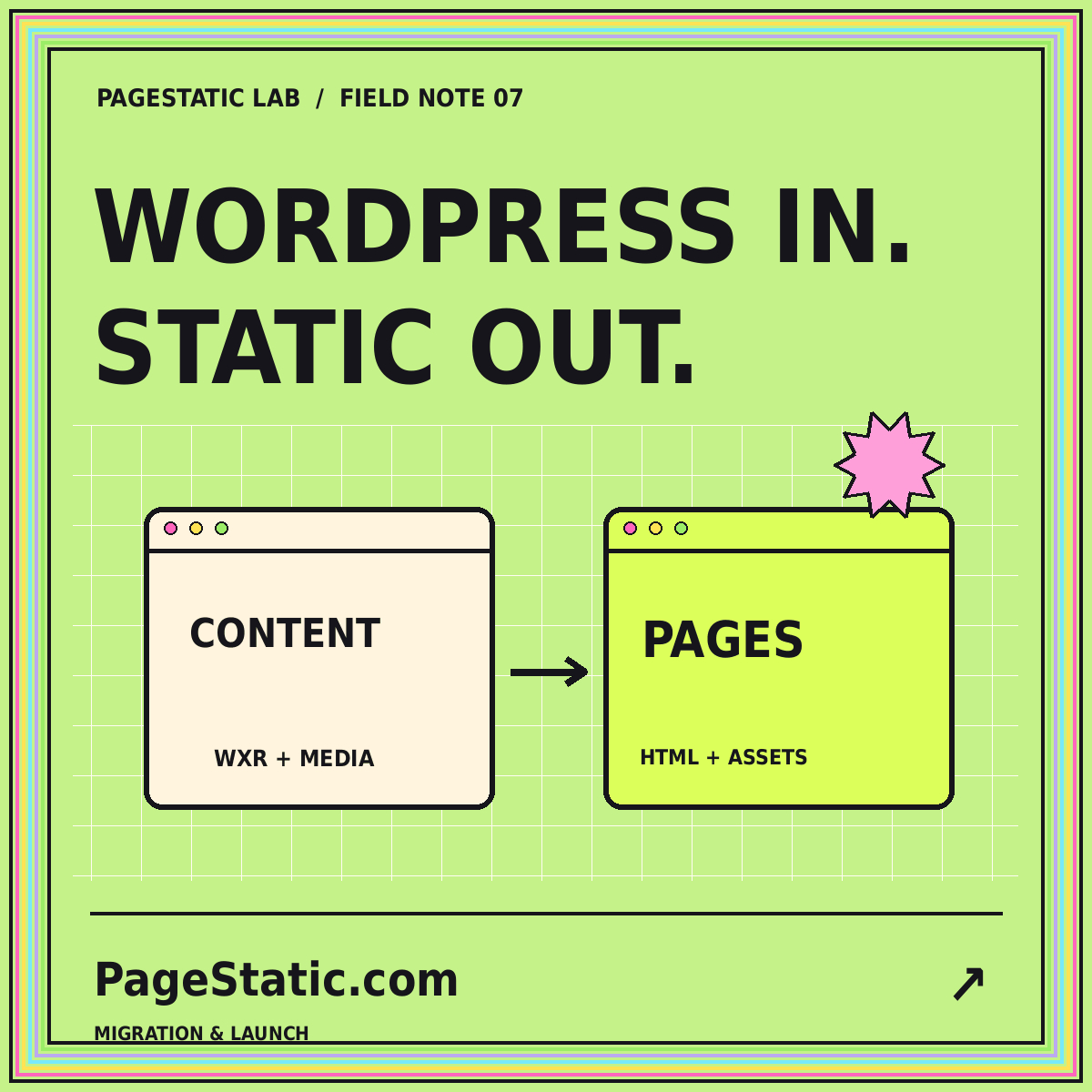
The WordPress Tools Export documentation describes an XML-based WXR export containing content such as posts, pages, custom fields, categories, and tags. This is a content-transfer format, not a ready-to-publish static website. It does not by itself supply a complete set of rendered HTML pages with the original site's appearance and behavior.
Treat content export, media preservation, and rendered-site export as separate tasks. Check what your chosen process actually produces and which files remain dependent on the original installation. Open representative outputs and inspect image references. A successful export message is not evidence that every photograph, caption, menu relationship, or embedded element is already usable in the new site. Verify the parts that your inventory says must survive.
Review plugins by visitor-facing behavior
List what each important plugin contributes to the public site. A plugin might provide a form, a searchable directory, a gallery, a payment flow, or metadata. Some effects may already be reflected in rendered pages; others depend on server-side processing or a remote service. Evaluate the behavior, not just the plugin name. Two sites using the same plugin can rely on very different features.
Give each feature an explicit destination decision. Retain it through an appropriate implementation, replace it with a clear alternative, move it to a separate service, or remove it with editorial approval. Never leave a disabled interface that implies it still works. A newsletter field, account link, or checkout button needs a real destination and honest description, not merely a visually similar block in the exported page.
Choose between rendering and rebuilding
A rendered export attempts to capture the public pages produced by the existing site. A rebuild uses exported content and assets inside a new static structure. The first approach may preserve more of the current appearance; the second may make it easier to simplify templates and content organization. Neither option should be chosen without a representative test that includes the site's difficult pages.
Try a long article, an image-heavy page, a custom content entry, and a category archive. Inspect links, media, captions, structured content, and embedded elements. Record cleanup work and unsupported behavior. The WordPress to Static Pages overview summarizes this decision in a compact workflow. Let the evidence from your own test determine the approach rather than assuming one method preserves everything automatically.
Map URLs before changing them
Compare each retained page's current address with its intended destination. Keeping a useful URL may reduce migration work, while a deliberate restructuring can require a redirect plan. Record old and new paths in a mapping file and identify which changes need support from the hosting layer. Prepared HTML files alone do not automatically establish every redirect required by a previous site's URL structure.
Keep the content relationship intact
Update internal links to their final destinations instead of relying on avoidable chains of redirects. Check category links, pagination, image references, and links inside older articles. Review fragment links to headings as well as page-level links. A page can load successfully while a link to a specific section no longer lands where the reader expects. Track those details during conversion rather than after the original site is gone.
Preserve media with context
Build a local media inventory for the assets you are authorized to republish. Confirm that the actual files are present and that each reference points to the intended version. Retain useful captions and alternative text, but review them for accuracy rather than copying automatically. A screenshot of an old interface may still belong in an archive, provided the surrounding text explains its historical context.
Avoid publishing private attachments or drafts simply because they appear in an administrative export. Review visibility carefully. Also inspect file sizes and dimensions before carrying every original into the new site. Keep archival originals separately when needed and publish appropriate derivatives. The migration is an opportunity to make asset management clearer, but it should not change an image's meaning or erase important contextual information.
Validate the replacement as a release
Test the new site on static hosting before changing the public destination. Follow every navigation route, open deep pages directly, and check images from a clean browser session. Compare the page inventory with the actual output. Verify titles, descriptions, canonical references, feeds, and intended publication dates. Use a small set of representative pages for visual review and a broader automated check for missing local links and assets.
Write down what the test cannot establish. A local preview does not prove the production host's redirect behavior, cache configuration, or mailbox operation. Keep those as explicit launch checks. Preserve the previous website and a rollback plan until the final host is serving the approved release. Choose a publication window in which the responsible people can inspect the result and respond to issues.
Conclusion: migrate the workflow as well as the pages
A WordPress-to-static migration is ready when the retained content, media, URLs, dynamic boundaries, and release process are understood. The new site should not merely resemble the old one; it should provide a dependable path for future corrections and publication. Document who edits content, how new pages are produced, and how a release is checked before it reaches readers.
Start with a representative subset and keep the original recoverable. Expand only after the conversion approach has passed the checks relevant to your site. For a wider view of feature dependencies and migration decisions, read the existing website static-readiness audit. A careful inventory and an honest feature boundary are more useful than a promise that every WordPress website can be converted unchanged.